Home Office Lighting Ideas 2026: 9 Picks That Work
Category: Desk Setups | Reading time: 6 min | Last updated: August 2026
Disclosure: This post contains affiliate links. If you buy through our links we may earn a small commission at no extra cost to you.
Lighting is the most underrated part of a home office setup. Bad home office lighting causes eye strain, makes video calls look unprofessional, and kills the aesthetic of an otherwise great desk. Good lighting is layered — task lighting for focused work, ambient lighting for the room, accent lighting for atmosphere, and dedicated video call lighting when you’re on camera.
This guide covers nine lighting picks across seven categories from $11.99 to $109.
Jump to a section
Desk lamps
A desk lamp handles task lighting — the direct light you need for focused work. The key specs to look for are CRI (color rendering index, higher is better for eye comfort), color temperature range, and adjustability.
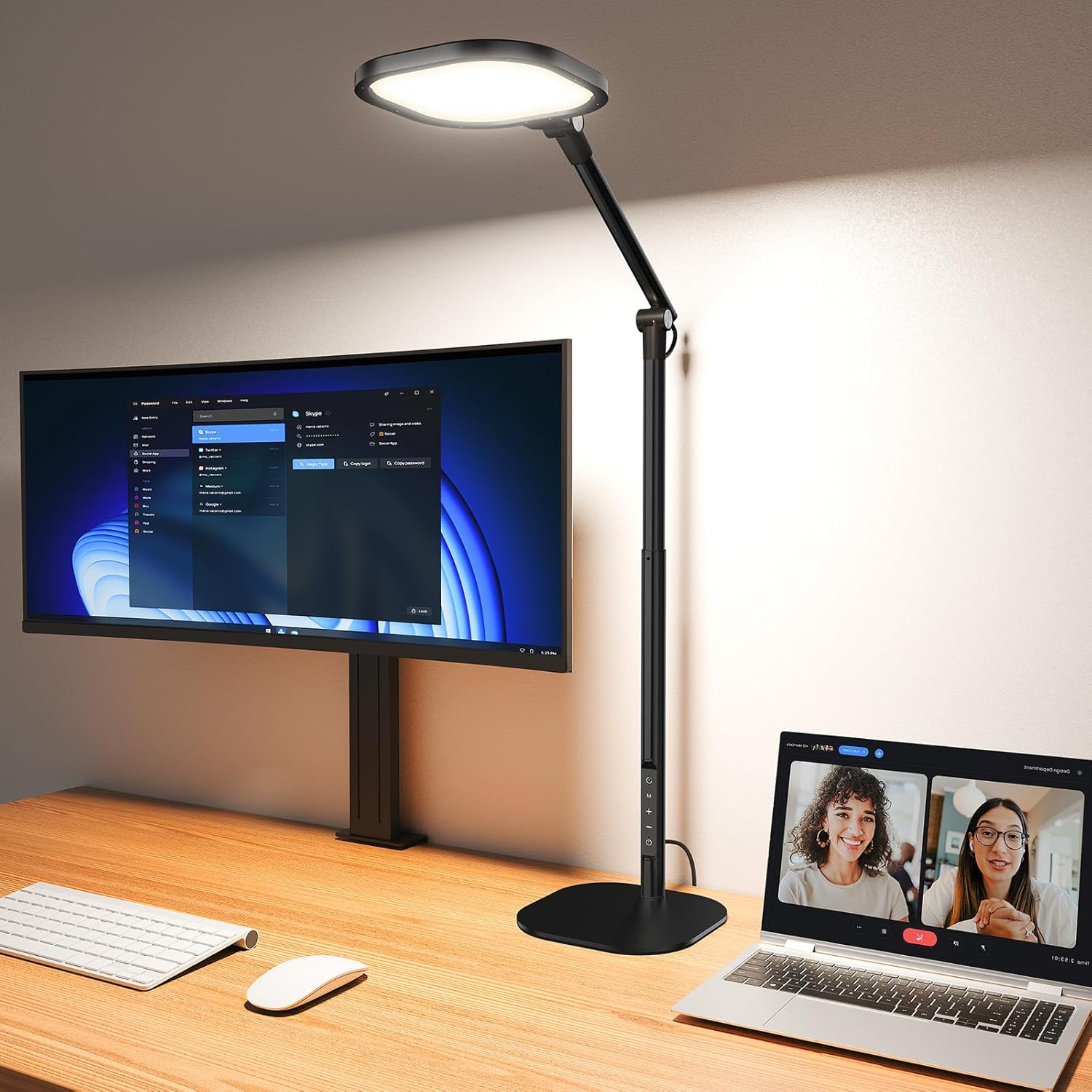

For a deeper look at desk lamps see our best desk lamp for home office guide.
Monitor light bar
A monitor light bar sits on top of your monitor and directs light down onto your desk without creating glare on the screen. Better for eye comfort than a desk lamp and saves desk surface space.

For more monitor light bar options at every price point see our best monitor light bars guide.
LED strip lights
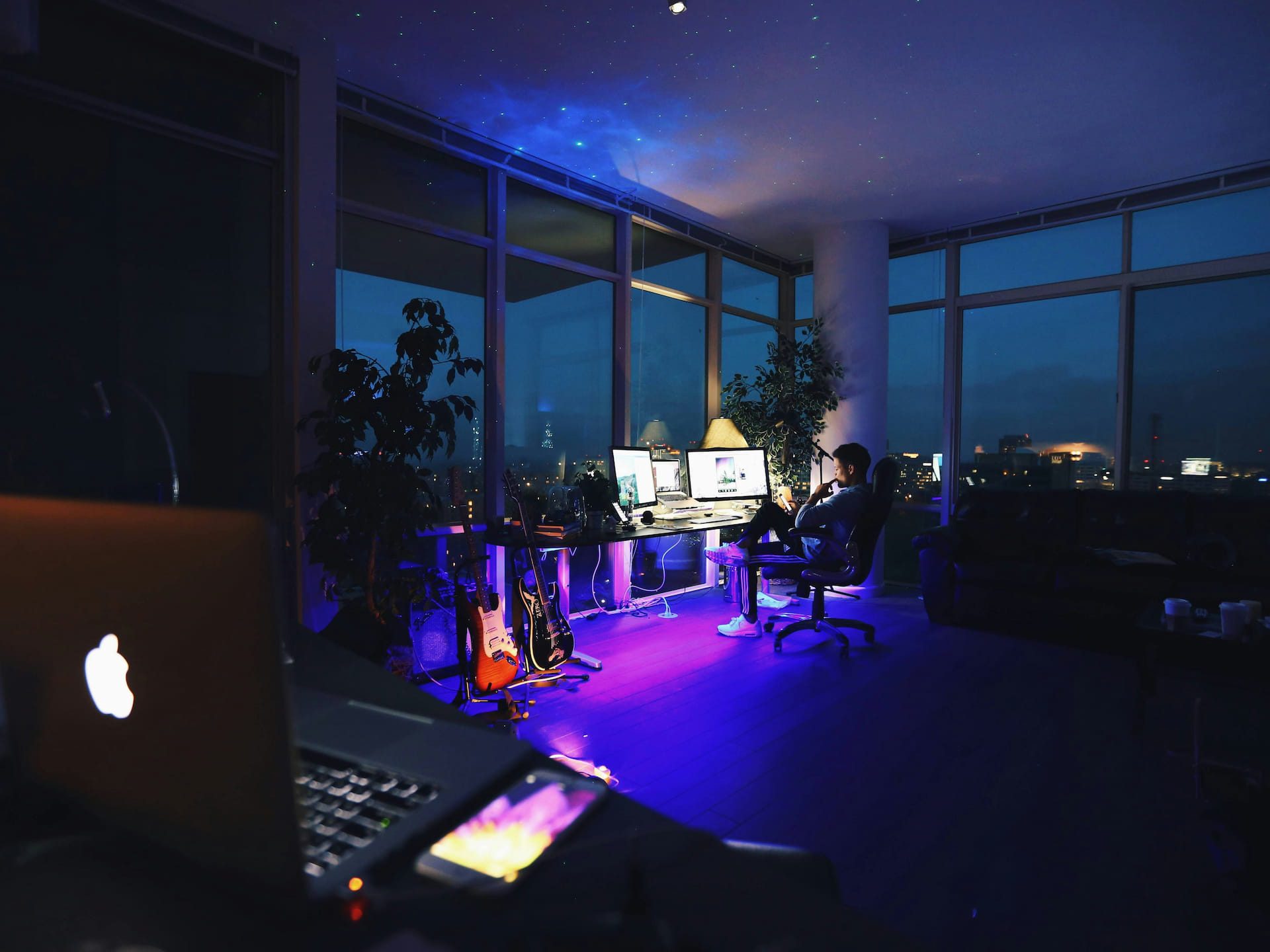
LED strips add bias lighting behind your monitor or accent lighting around your desk. They reduce eye strain by balancing the contrast between your bright screen and dark surroundings — and they make any setup look significantly better.

Smart bulbs
Upgrading your overhead bulbs to smart bulbs is the fastest way to transform your home office lighting without changing any fixtures. Adjust color temperature for focused work in the morning and warmer tones in the evening — all from your phone or voice assistant.

Ring lights for video calls
If you’re on Zoom or video calls frequently a dedicated ring light is the single biggest upgrade to how you look on camera. Natural light and overhead lighting create shadows — a ring light fills your face evenly and makes a noticeable difference.


Floor lamp
A floor lamp adds ambient light to fill the room without relying solely on harsh overhead lighting. In a home office it also adds a design element that makes the space feel more intentional and less like a spare room.

Overhead LED panel
If your home office has poor overhead lighting a surface-mount LED panel is the most impactful fix. One panel can transform a dim room into a bright, evenly lit workspace — more effective than any number of desk lamps trying to compensate for bad ceiling lighting.

How to layer your home office lighting
Good home office lighting isn’t one bright light — it’s multiple light sources working together. Start with overhead lighting as your base, add a desk lamp or monitor light bar for task lighting, use LED strips for bias lighting behind your monitor, and add a ring light if you’re on video calls regularly. A floor lamp fills ambient gaps and adds visual warmth to the room.
Natural light is always the best starting point — position your desk perpendicular to windows rather than facing them to avoid glare on your screen.
For more home office setup ideas see our how to set up an ergonomic home office guide and our home office decor guide.
Continue reading
Frequently asked questions
What is the best lighting for a home office?
Layered lighting — a combination of overhead ambient light, task lighting from a desk lamp or monitor light bar, and bias lighting from LED strips behind your monitor. No single light source does everything well. The goal is even, glare-free illumination that reduces eye strain during long work sessions.
What color temperature is best for working?
Cool white light between 4000K-5000K promotes focus and alertness — best for morning and daytime work sessions. Warmer light around 2700K-3000K is easier on the eyes in the evening. Smart bulbs and lamps with adjustable color temperature let you shift automatically throughout the day.
Do I need a ring light for video calls?
Not essential but noticeable. Overhead lighting and natural light from the side create shadows on your face that look unflattering on camera. A ring light or dedicated video call light fills shadows evenly and makes an immediate visible improvement to how you look on Zoom or Teams. The Evershop clip-on at under $22 is the lowest barrier entry point.
Does bias lighting behind a monitor actually help?
Yes — it’s one of the most evidence-backed eye comfort improvements for screen users. The contrast between a bright screen and a dark wall causes your eyes to constantly adjust which leads to fatigue. LED strips behind your monitor bring the ambient brightness closer to the screen brightness reducing that strain significantly.
All prices approximate and subject to change. Check current pricing at checkout. Last updated August 2026.