The $500 Home Office Setup That Beats Most $2,000 Ones
Category: Desk Setups | Reading time: 10 min | Last updated: May 2026
Disclosure: This post contains affiliate links. We may earn a small commission if you buy through our links at no extra cost to you.
Most “home office setup” guides assume you’re starting from scratch with a fat budget. This one doesn’t.
Whether you’re just starting remote work, moving out of a shared space, or building a proper setup after years of working from a kitchen table — $500 is a very achievable budget for a complete, functional home office that doesn’t embarrass you on video calls or hurt your back by noon.
This guide was built by aggregating dozens of r/homeoffice posts, r/WorkOnline budget threads, and verified Amazon reviews from people who actually built setups in this price range. Every product recommendation is cross-referenced against real owner feedback.
A good setup is only half the equation — see our guide to staying focused working from home for the strategies that make the most of it.
The philosophy: where to spend, where to save
Spend on what touches your body. Chair, keyboard, mouse. These directly affect your posture, your wrists, and your comfort after 8 hours. Skimping here is where the back pain comes from.
Spend on what people see. Your webcam and your lighting. A $30 webcam on a Zoom call makes you look unprofessional in a way that no fancy monitor can fix.
Save on the display. A used or refurb monitor is one of the best value plays in home office setups. The same panel that costs $280 new often shows up on Facebook Marketplace for $80–$120.
Don’t buy a desk before measuring. The most common r/homeoffice regret is buying a desk that’s too big for the room or too deep for how close you sit to the screen.
The complete $500 setup
Monitor — $80–$120 (used)
This is the biggest value unlock in budget home office setups. Offices upgrade monitors regularly and the used market is flooded with perfectly functional 24″–27″ IPS monitors from Dell, LG, and Samsung. A Dell P2419H — a genuinely excellent 24″ 1080p IPS monitor — sells for $60–$90 used regularly.
For a dedicated breakdown of every budget monitor worth considering our budget monitors guide covers standard, curved, ultrawide, and 4K options from $74
What to look for:
- IPS panel (not TN — TN has poor viewing angles)
- 24″–27″ size
- Dell, LG, or Samsung (reliable used market brands)
- Ask the seller to power it on before you buy — check for dead pixels
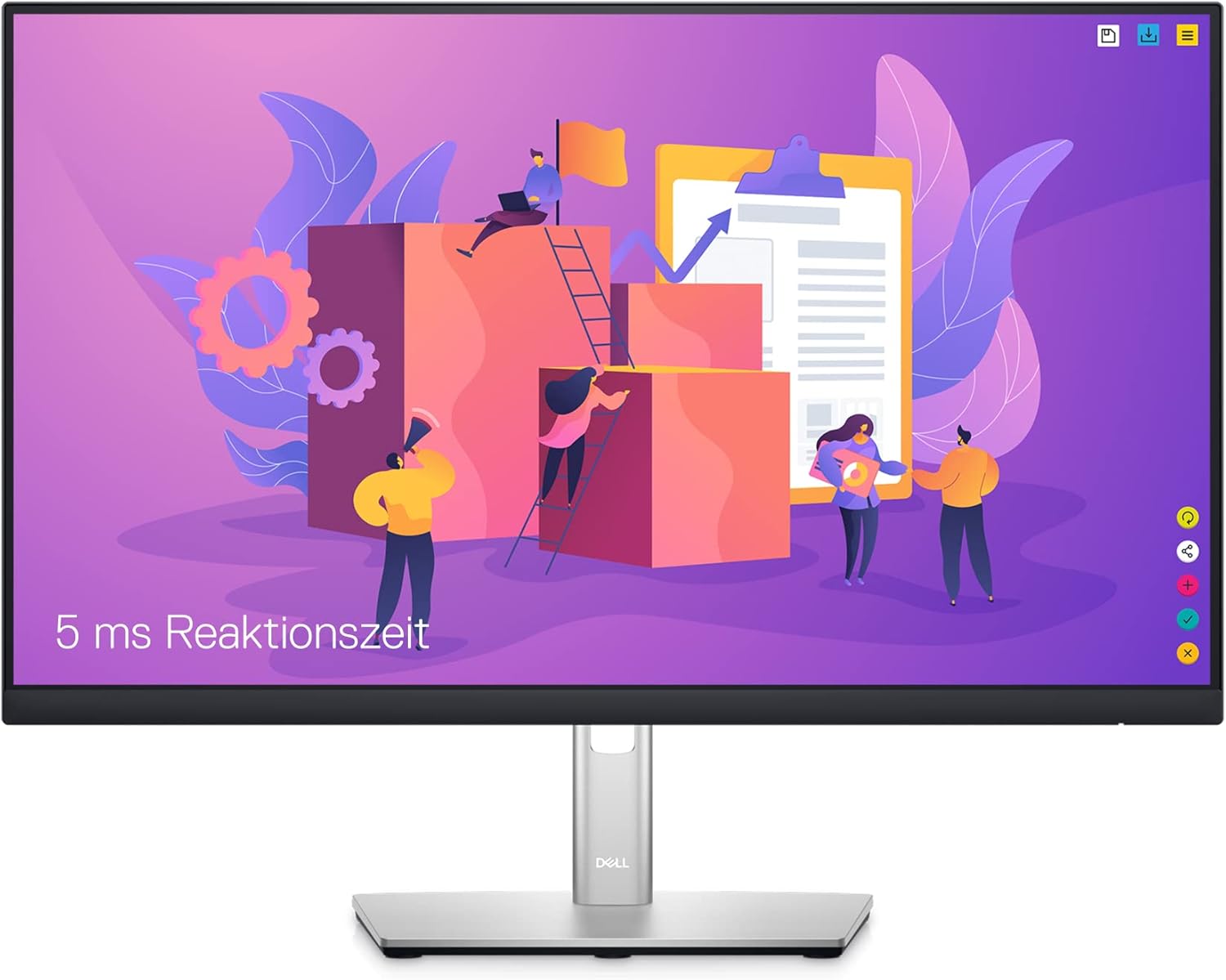
If you’d rather buy new: The Dell P2422H is the top recommendation in r/homeoffice for sub-$200 new monitors. Around $170–$190 new with a full adjustable stand. Check price on Amazon →
Chair — $160–$200
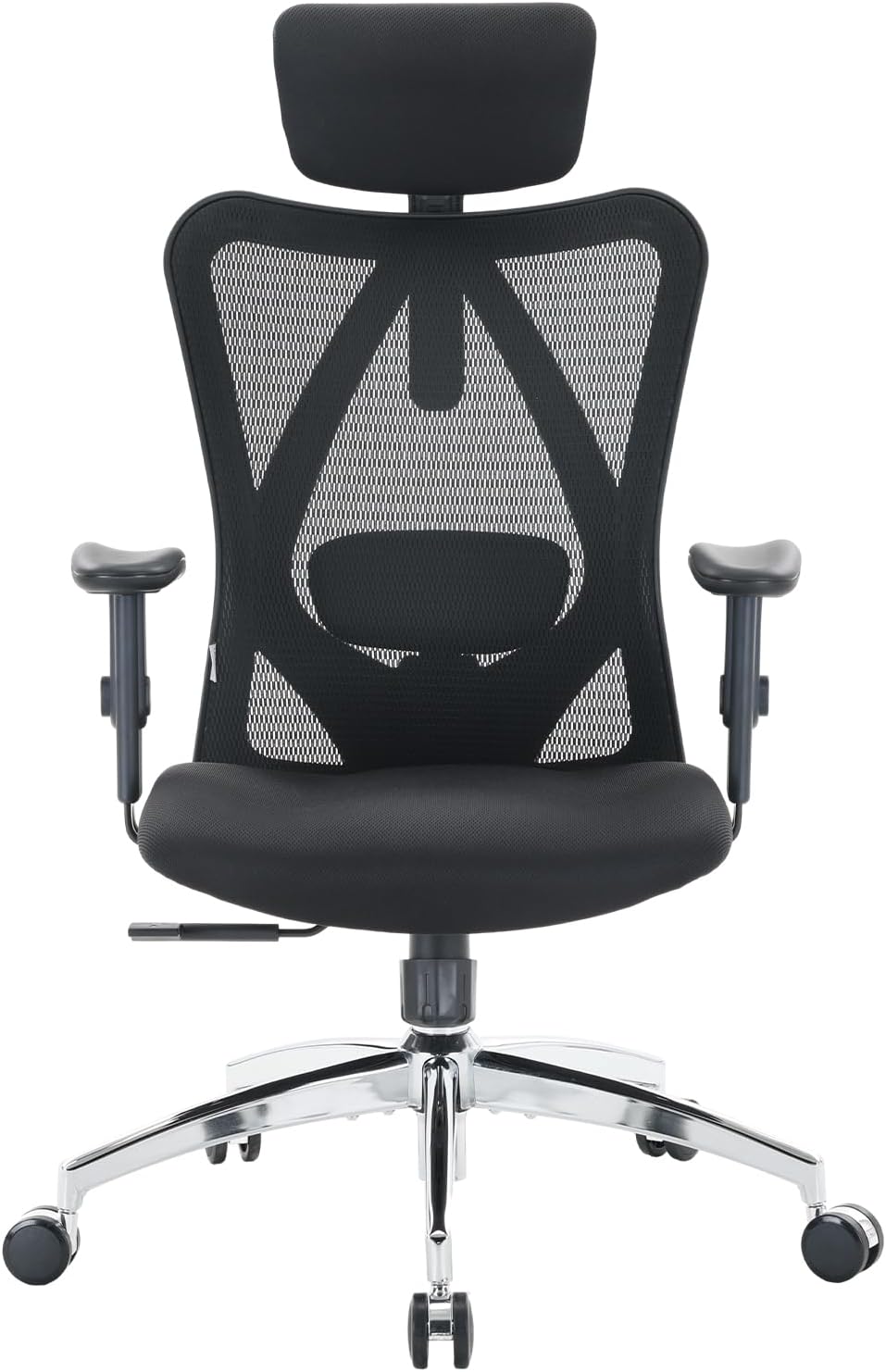
The Sihoo M18 at around $165–$200 is the most consistently recommended chair in this budget range. It has actual lumbar adjustment, a breathable mesh back, and enough adjustment range to work for most body types. It also has an ergonomic head rest.
“A solid chair for the budget-conscious sitter”
“I’m 50, back in school, and spending hours at my desk. I needed something affordable that wouldn’t destroy my back. Two months in and no complaints — the lumbar support is actually there when you need it, the assembly was simple enough that my 17-year-old put it together while I was at work, and the seat is plenty big enough for an average-sized person. I’d recommend it as an upgrade to any hand-me-down chair that just isn’t cutting it anymore.”
— Verified Amazon Buyer, April 2023 · ⭐⭐⭐⭐⭐ · 64 people found this helpful
Check current price on Amazon →
The key thing with any budget chair: set it up properly on day one. Most back pain from cheap chairs comes from people never adjusting them — wrong height, wrong lumbar position. Spend 15 minutes dialing it in.
For smaller upgrades that make an immediate difference, check out our list of 10 home office buys under $40
A $20-45 cushion is one of the cheapest comfort upgrades you can add to any chair — our seat cushion and lumbar support guide covers the best options.
Desk — $100–$150
The IKEA LINNMON tabletop ($30–$50) with ADILS legs ($15 each × 4 = $60) is the most recommended budget desk solution in every WFH community. It’s not beautiful but it’s functional, sturdy enough for a monitor and peripherals, and sized at 59″ × 29.5″.
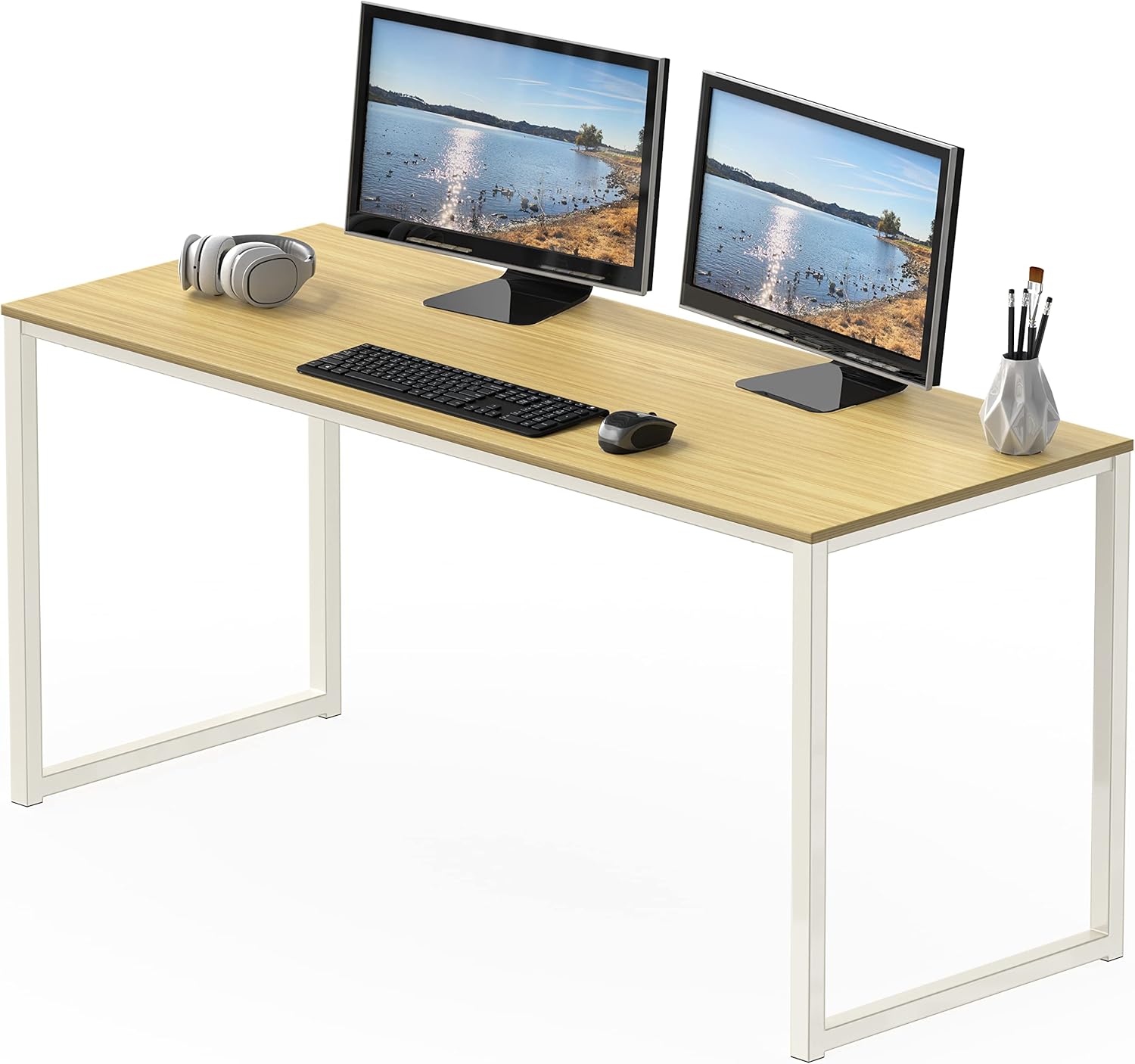
If you don’t have IKEA access, the SHW Home Office Computer Desk gets strong reviews for under $100 and ships Prime. Check price →
“Sturdy, stylish, and easy to assemble”
“I picked up the SHW 40-inch desk in walnut for my home office and it’s been a great fit. Sturdy enough for a monitor and all my desk essentials, the walnut finish looks genuinely nice rather than cheap, and assembly was straightforward — clear instructions, all hardware included, done quickly. Only real downside is it can’t be folded for storage, which won’t matter to most people but worth knowing if space is tight.”
— Verified Amazon Buyer, June 2024 · ⭐⭐⭐⭐ · SHW 40-Inch Computer Desk
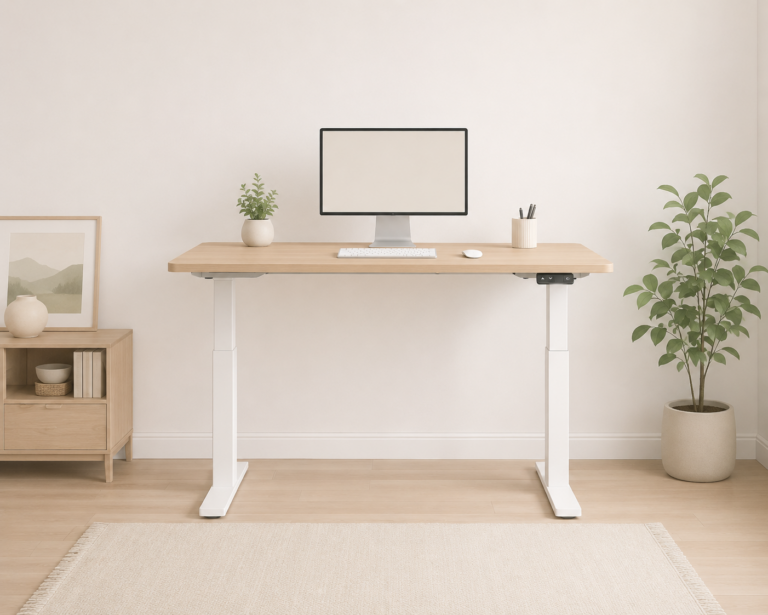
It is hard to believe but you can also get an electric standing desk in this price range, but you can, check out our post Best Standing Desks for Every Budget.
A desk mat is one of the cheapest upgrades that makes the biggest visual difference — our desk mats guide has options starting at $14
Webcam — $65–$80
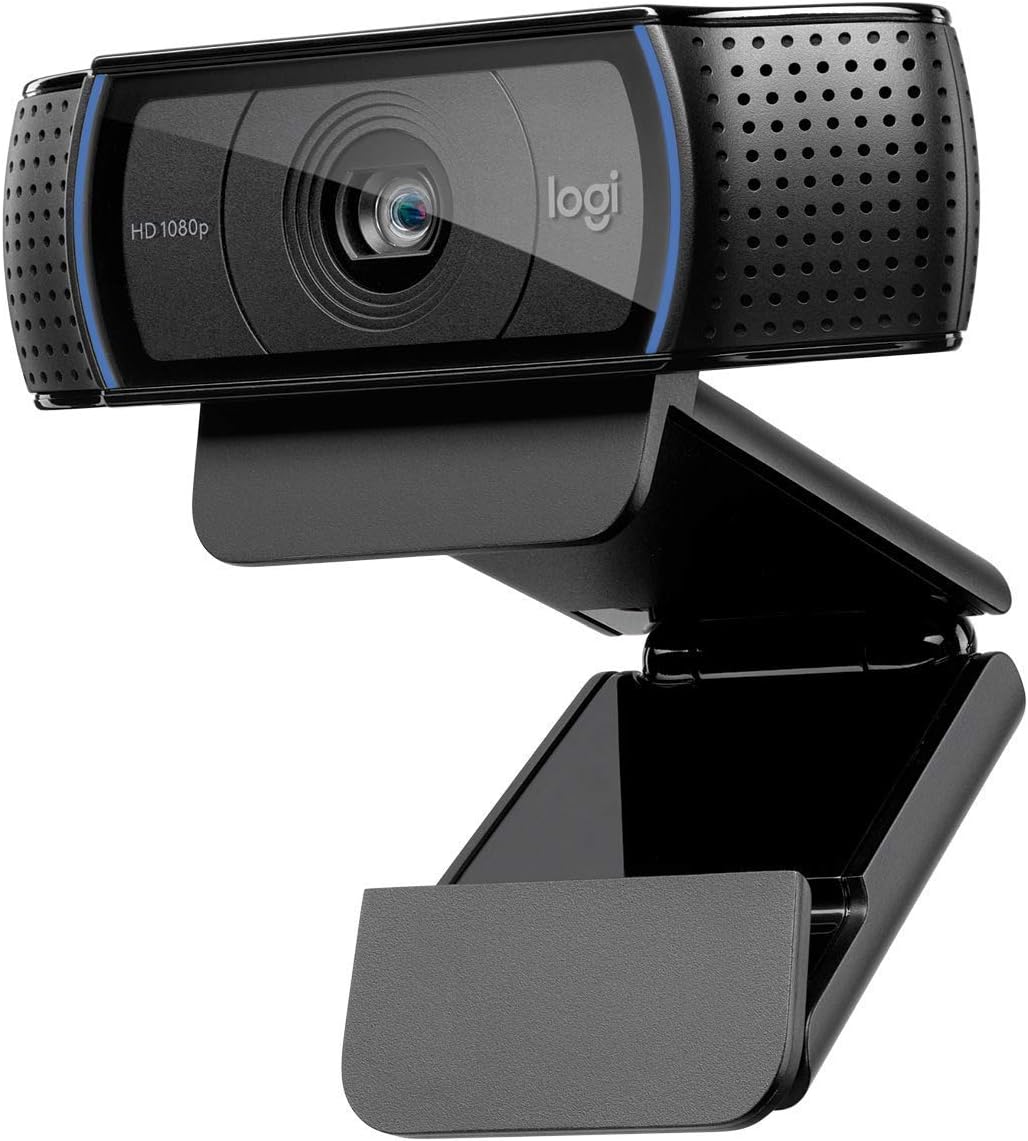
The Logitech C920 is the most recommended webcam in every remote work community without exception. At 1080p 30fps with decent auto-focus, it makes you look professional on Zoom, Teams, and Google Meet without any fiddling. If you spend a lot of time on zoom, check out our video call set up guide.
Check current price on Amazon →
Lighting — $25–$40
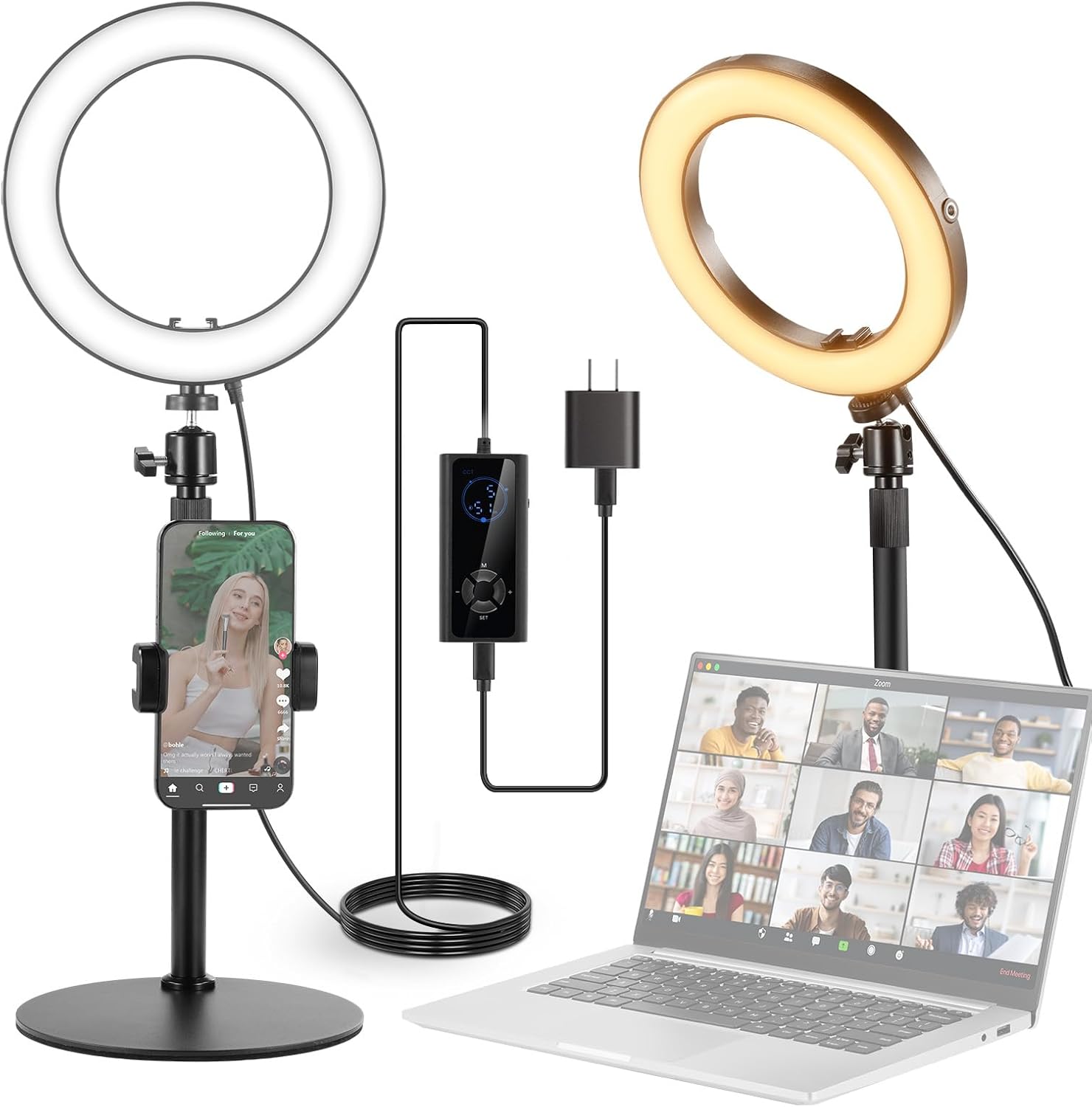
Neewer 8″ Ring Light with Stand — Best budget lighting for video calls
At around $30 the Neewer RH8B is the most practical lighting upgrade a remote worker can make. It’s an 18W LED ring light with adjustable brightness and color temperature — meaning you can dial in warm or cool light depending on your room. The included stand is sturdy, and the phone holder makes it useful beyond just desk calls.
Setup takes under 5 minutes and the difference on video calls is immediate — no more looking like a shadowy silhouette on Zoom.
One thing to know before buying: this light requires a 12V USB-C PD power adapter. The right adapter is included in the box, but a standard phone charger won’t work. Plug it into the included adapter and you’re good.
Check current price on Amazon →
Keyboard + Mouse — $40–$60
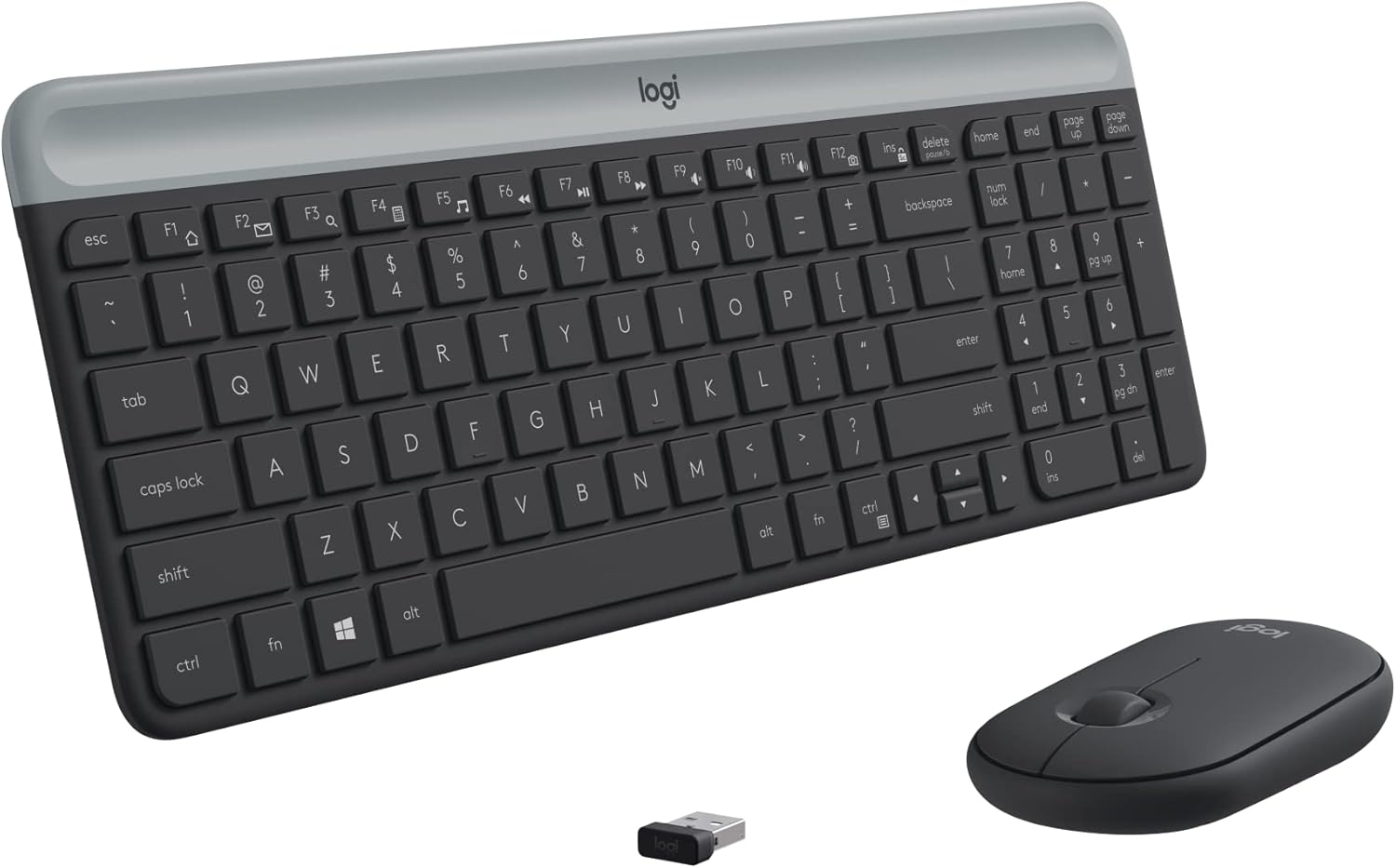
The Logitech MK470 is the most recommended entry-level combo in r/homeoffice — slim profile, quiet keys, reliable connection, and ~36 month battery life on the keyboard.
Check current price on Amazon →
Cable management — $15–$20
Do this first — before you start running cables. A pack of adhesive cable clips ($8) and a roll of velcro ties ($7) transforms a cable disaster into something that looks intentional. Check price →
Once your budget allows, getting noise cancelling headphones makes a significant difference — see our full headphones guide for recommendations at every price point.
The full budget breakdown
| Item | Option | Cost |
|---|---|---|
| Monitor | Used Dell/LG (Facebook Marketplace) | $80–$120 |
| Chair | Sihoo M18 | $165–$190 |
| Desk | IKEA LINNMON + ADILS | $80–$130 |
| Webcam | Logitech C920 | $65–$80 |
| Lighting | Neewer LED ring light | $25–$40 |
| Keyboard + mouse | Logitech MK470 | $40–$55 |
| Cable management | Clips + velcro | $15–$20 |
| Total | $470–$635 |
Need a Webcam? Check Out:
Lose Focus in your Home Office?
Spend a lot of time on Zoom?
Frequently asked questions
Do I need a standing desk?
Not to start. For your first home office setup, a regular desk plus a good chair is more important. Consider a standing desk after 6–12 months once you know your actual needs.
Should I get a second monitor?
At a $500 budget, no. A second monitor is a great upgrade at the $700–$800 budget level.
Is a mechanical keyboard worth it?
If you type more than 4–5 hours a day, yes — but save it for later and put the money into chair comfort first.
All prices approximate and subject to change. Check current pricing at checkout.