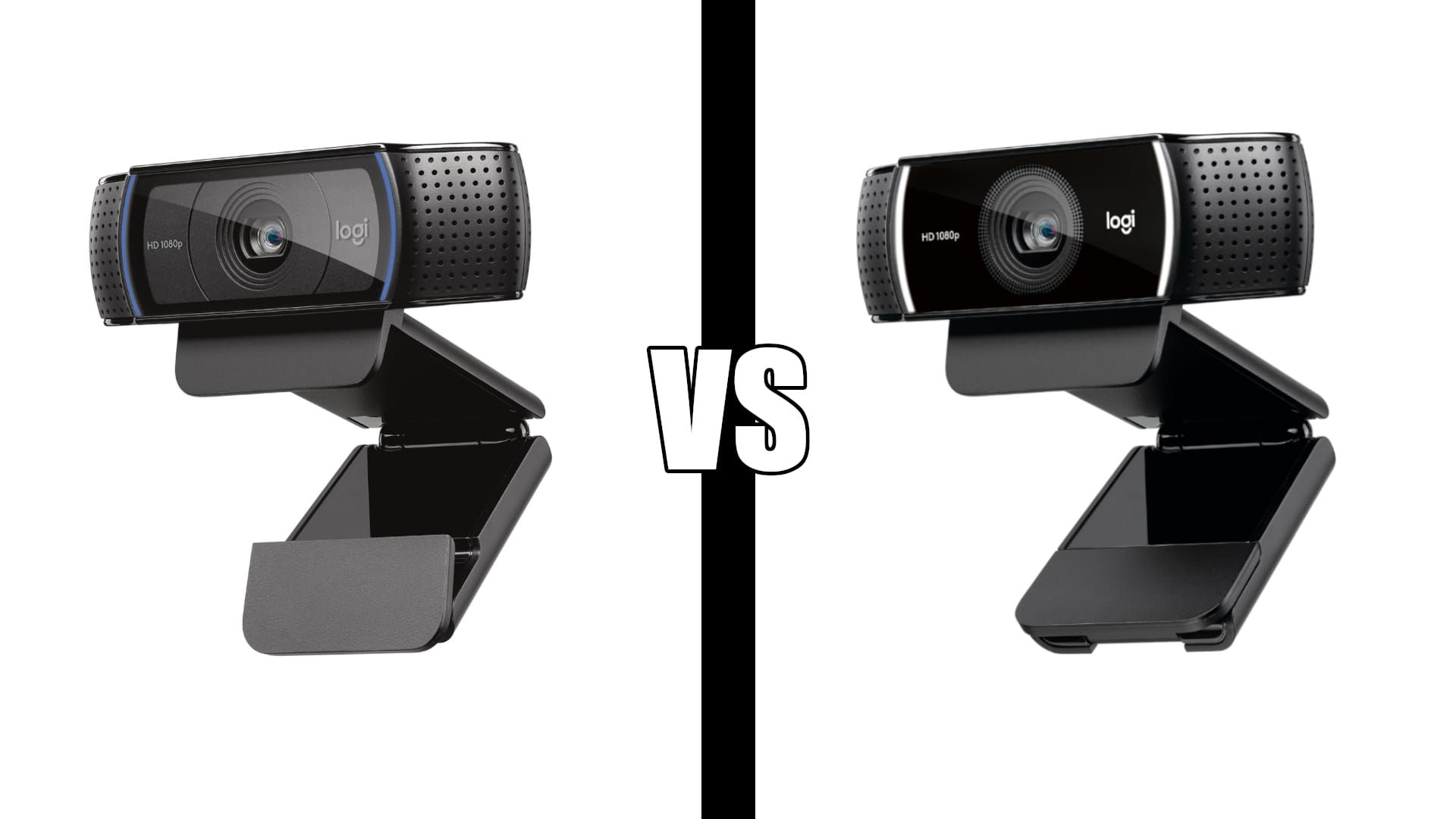
Logitech C920 vs C922 : Which Webcam Should You Buy?
Category: Tech & Gear | Reading time: 7 min | Last updated: August 2026
Disclosure: This post contains affiliate links. If you buy through our links we may earn a small commission at no extra cost to you.
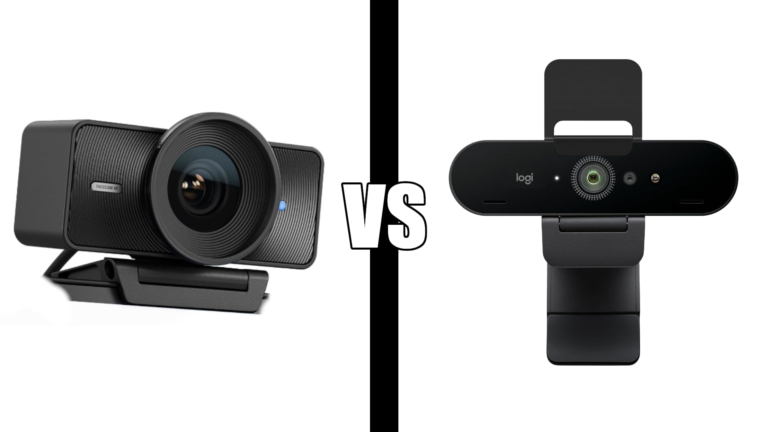
Logitech c920 vs c922. The Logitech C920 and C922 are nearly identical webcams that confuse a lot of buyers. Same sensor, same 1080p image quality, same autofocus, same dual stereo mics. The difference comes down to one spec: the C922 adds 720p at 60fps, where the C920 caps at 30fps across all resolutions. If you do not need 60fps the C920 is the smarter buy at a lower price. If you stream or record video the C922 is worth the extra cost.
In this comparison
Key differences
The only meaningful hardware difference between the C920 and C922 is frame rate. Both shoot 1080p at 30fps. The C922 adds the ability to shoot 720p at 60fps, useful for streaming where smooth motion matters more than resolution.
Everything else is the same: the sensor, the glass lens, the autofocus system, the dual stereo microphones, the HD light correction, the field of view, the clip mount, and the USB connection. If someone held both cameras up during a 1080p 30fps Zoom call you could not tell them apart.
The C922 also includes a 3-month XSplit VCam license for background removal without a green screen. The C920 does not include this.
The price difference reflects these additions. The C920 is the more affordable of the two.
Logitech C920x

The C920x is the most reviewed webcam on Amazon at 21,988 reviews and 10,000+ bought last month. For Zoom, Teams, and Google Meet calls it delivers the same 1080p image quality as the C922 at a lower price.
The autofocus is reliable and the HD light correction handles most home office lighting without any adjustment. Dual stereo mics keep audio clear on calls. Setup is plug and play with no driver installation required.
The only thing it does not do that the C922 does is 60fps. For video calls that does not matter. Zoom and Teams cap delivery at 30fps anyway. If you are purely a video call user the C920x is the better value.
“Its 1080p video is sharp, the autofocus is reliable, and the dual microphones do a good job of keeping your voice clear during calls. It’s easy to set up, works well with major video chat apps, and offers great value for the price.”
Who it’s for: Anyone who uses their webcam primarily for Zoom, Teams, or Google Meet calls and does not stream or record video content.
Pros:
- 21,988 reviews, most validated webcam available
- 10K+ bought last month
- Same 1080p image quality as C922
- Lower price than C922
- Plug and play, no drivers needed
- Amazon’s Choice
Cons:
- 30fps maximum, no 60fps
- No XSplit VCam license included
- No privacy shutter
Logitech C922x

The C922x adds one thing the C920x does not have: 720p at 60fps. For streaming on Twitch or YouTube where smooth motion is more important than resolution, 60fps is a meaningful upgrade. The included XSplit VCam license also lets you remove or blur your background without a green screen, which matters for anyone whose home office is not always tidy.
For video calls the C922x and C920x are identical. Same 1080p 30fps image, same autofocus, same audio. You are paying extra for capabilities that only matter outside of standard video calls.
At 17,129 reviews and 4.6 stars it is as proven as the C920x. The gap in review count reflects the C920x being the more popular seller, not a quality difference.
“Setup was quick, it worked right away, and the video quality has been excellent. The picture is clear, the microphone works well, and it has been reliable every time I’ve used it. For the price, I couldn’t be happier.”
Who it’s for: Anyone who streams on Twitch or YouTube, records video content, or wants 60fps capability alongside their regular video calls.
Pros:
- 720p at 60fps for smooth streaming
- XSplit VCam license included
- Same 1080p image quality as C920x
- 17,129 reviews at 4.6 stars
- Works with Nintendo Switch 2 GameChat
Cons:
- Higher price than C920x
- 60fps only at 720p, not 1080p
- No privacy shutter
Specs side by side
| Spec | C920x | C922x |
|---|---|---|
| Resolution | 1080p | 1080p |
| Max frame rate | 30fps | 60fps at 720p |
| Autofocus | Yes | Yes |
| Light correction | HD | HD |
| Microphone | Dual stereo | Dual stereo |
| Field of view | 78 degrees | 78 degrees |
| XSplit VCam | No | 3 months included |
| Plug and play | Yes | Yes |
| Reviews | 21,988 | 17,129 |
| Rating | 4.6/5 | 4.6/5 |
Which should you buy
Buy the C920x if you use your webcam for Zoom, Teams, or Google Meet calls and nothing else. You get identical 1080p call quality at a lower price. The extra cost of the C922x buys you features you will not use.
Buy the C922x if you stream on Twitch, record YouTube videos, create content, or want 60fps capability alongside your video calls. The 60fps mode and XSplit VCam license justify the price difference for anyone who uses their webcam beyond standard calls.
The honest answer for most people: The C920x. Most home office workers use their webcam for calls. At 1080p 30fps the C920x delivers the same image the C922x does on a Zoom call and costs less. The C922x is the right call only if streaming or content creation is part of how you use your setup.
For a broader look at webcam options at every price point see our best webcam for Zoom guide. For a complete home office setup see our ergonomic home office guide.
If your budget stretches further see our Elgato Facecam vs Logitech Brio comparison for two premium 4K options.
Frequently asked questions
Is the Logitech C920 and C922 the same camera?
Nearly identical. Same sensor, same 1080p image quality, same autofocus, same dual mics, same field of view. The C922 adds 720p at 60fps and a 3-month XSplit VCam license. For video calls you cannot tell them apart.
Does the C922 shoot 1080p at 60fps?
No. The C922 shoots 1080p at 30fps or 720p at 60fps. If you want 1080p at 60fps you need to step up to the Elgato Facecam or a similar camera with a larger sensor.
Which is better for Zoom calls?
The C920x. Both cameras deliver identical 1080p 30fps video on Zoom calls and the C920x costs less. The C922x’s 60fps capability is irrelevant for Zoom since the platform caps delivery at 30fps.
Which is better for streaming?
The C922x. The 720p 60fps mode delivers smoother motion for live streaming where frame rate matters more than resolution. The included XSplit VCam license for background removal is also a useful bonus for streamers without a green screen.
Do both cameras work without installing drivers?
Yes. Both the C920x and C922x are plug and play on Windows and Mac. Plug in the USB cable and they work immediately with Zoom, Teams, Google Meet, and every other major video call platform.
Continue reading
All prices approximate and subject to change. Check current pricing at checkout. Last updated August 2026.