21 Work From Home Gifts Remote Workers Actually Want 2026
Category: Tech & Gear | Reading time: 10 min | Last updated: October 2026
Disclosure: This post contains affiliate links. If you buy through our links we may earn a small commission at no extra cost to you.
The problem with buying for someone who works from home is that they already own the obvious things. They have a laptop. They have a chair. They bought the webcam in 2020.
What they do not have is the stuff that makes a desk genuinely better and that nobody buys for themselves. A light bar. A proper footrest. A keyboard that costs more than they would ever justify.
That is the whole category. Twenty one work from home gifts across four tiers, from small things that land well to the kind of upgrade someone remembers.
Jump to a section
Small gifts that still land
The test for this tier is whether it gets used daily. Nothing here is filler.
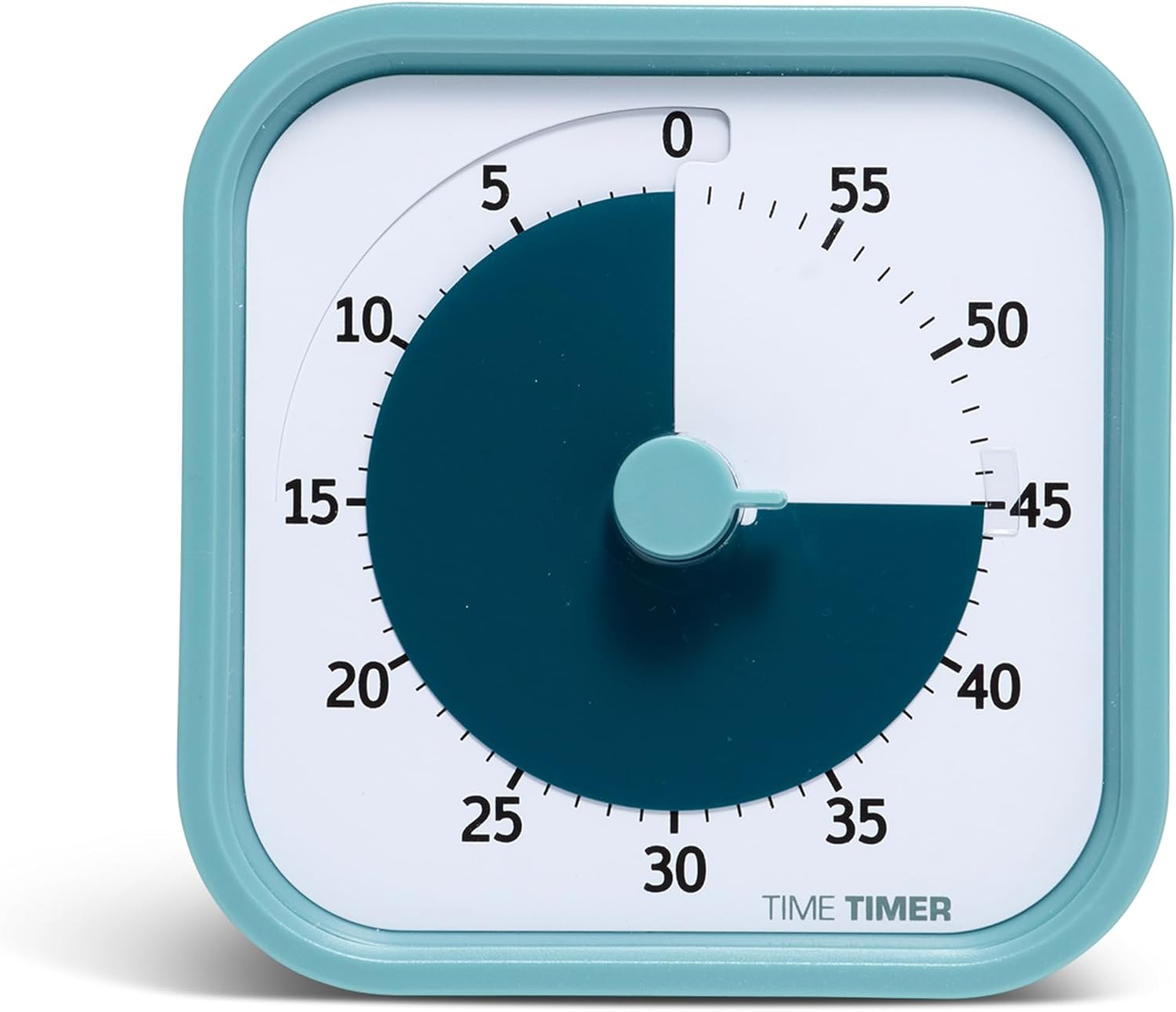
The best small gift on this list, because almost nobody buys one for themselves and everybody who gets one keeps using it. Making time visible rather than numerical changes how a work block feels, which is why these turn up in classrooms and therapy offices as often as home offices.
Originally designed for people who struggle with time blindness, including ADHD and autism, but the appeal is general. A silent countdown you can see from across the room is just a better timer.
“We have had this timer for almost 2yrs of rough daily use. This thing is sturdy! It still works perfectly and none of the plastic body parts have broken. When I say rough I mean toddler throwing it across the house at least once a week, toted all over the house for various purposes. We use it outside, in the kitchen, all over. We love that it is so easy to use, and very visual! Is it spendy? Yes. Has it paid for itself? Definitely yes!”

The material is what makes this a gift rather than an accessory. Almost every desk mat sold is black PU leather, so cork reads as a choice somebody made on purpose. It also feels better under the forearms, which you notice within a day.
Safe to buy blind, since there is no sizing to guess, and it changes how a desk looks immediately. Good for someone whose setup is fine but looks like it happened by accident.

Every gift list needs one thing that is not made of plastic. A pothos is the right plant for a desk because it genuinely does not care how bad you are at this, and the trailing vines look good on a shelf within a few months.

The rotating base is what makes this better than a cup. One footprint, five compartments, and nothing gets buried at the back.
The thoughtful gift
This tier is where most gift buying lands. Things the recipient would like but would not prioritize.

If you buy one thing off this list, buy this. It is the clearest example of the category: genuinely useful every single day, visible on the desk, and almost nobody decides to buy one for themselves.
It also solves a real problem rather than being a novelty. Working in a dim room with a bright screen is why eyes feel tired by late afternoon, and a desk lamp usually just reflects off the display. The ScreenBar lights the desk and leaves the screen alone.
It mounts on monitors between 0.4 and 1.2 inches thick, including ultrawide and curved panels down to 1500R.
Comparing the BenQ lineup? Check out our post comparing their best three options at our BenQ ScreenBar comparison.
“Exactly as advertised, maybe better. I checked out a number of reviews for over monitor lighting, wanting to add light to the immediate desk area that was not provided by ceiling lighting. It is easy to install, holds securely to monitor and lights the desk area without interfering with the monitor itself or shining in my eyes. I bought two for a dual monitor setup and the two nicely light my entire desk work area. They are also adjustable by warmth and brightness which I find useful. They are on the pricier side, but you get what you pay for.”

The practical answer for someone who complains about their chair but is not getting a new one. A cushion fixes the seat without replacing the chair, and the cutout design is the part that matters for tailbone pressure.

Anyone working off a bare laptop is looking down at it for eight hours. This is the cheapest fix for that, and the folding design means it travels rather than living on one desk.

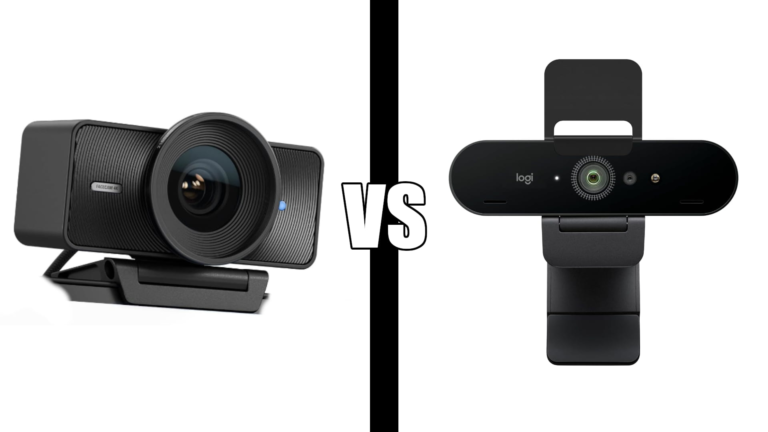
Still the default recommendation for anyone using a built-in laptop camera. Not the fanciest option, but it works with everything on the first try, which is what you want in a gift.
Our video call setup guide covers the rest of the picture, and lighting matters more than the camera.

If their feet dangle or they tuck them under the chair all day, this is the fix. Most desks are built for taller people, and a footrest restores the knee angle that a correctly sized desk would have given them.

The gift for someone who says they sit too much but will not get a standing desk. It is also the one item here with genuine novelty, which matters when the present is being opened in front of people.

Home offices are usually the worst lit room in the house because they were a spare bedroom first. A corner lamp fixes the whole space rather than one surface, which is also what makes video calls look better.
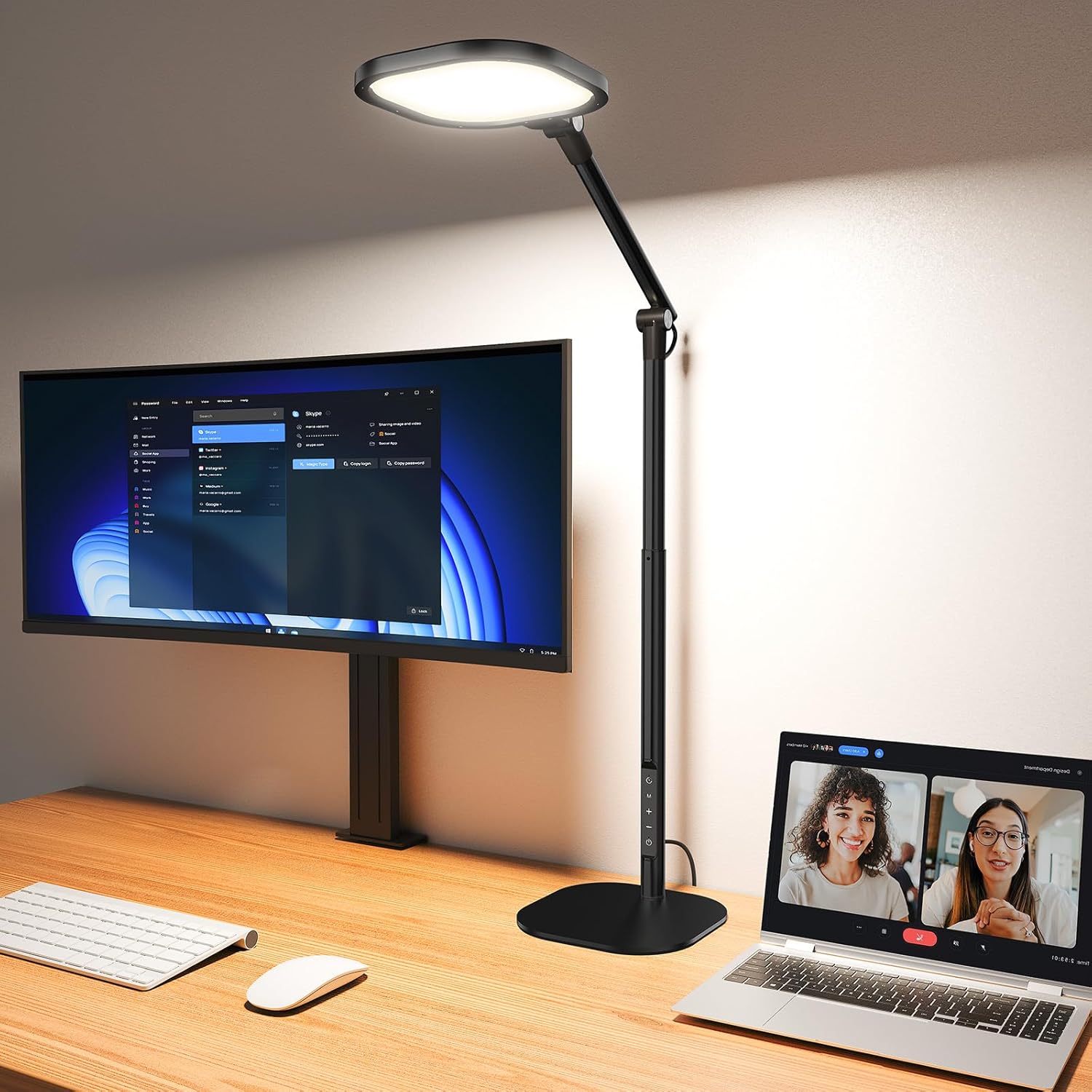
The height is the point. Most desk lamps sit beside the screen and throw light sideways into your eyes. Forty inches puts the source above the work surface where it belongs.
More options in our home office lighting guide.
The serious upgrade
For a partner, a sibling, or anyone whose daily setup you want to genuinely change.

The best gift on the list for anyone who writes or codes for a living. A keyboard is the thing they touch most and the thing they are least likely to replace, because the one they have technically works.
Three device pairing is the feature people end up appreciating most. One keyboard, a work laptop, a personal machine and a tablet, switched with a button.
“This keyboard is an absolute dream to type on. The keys are smooth, quiet and incredibly satisfying, and the auto-backlight is brilliant, it lights up exactly when you need it without being distracting. The ability to connect to three different devices and switch between them with the push of a button is such a convenient feature, especially as an accountant with multiple computers. I didn’t realize how much I would appreciate a good keyboard until I started using this one.”

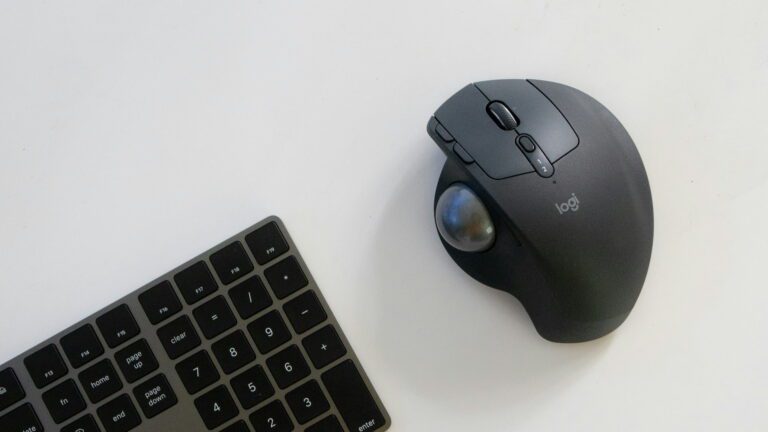
If they have mentioned wrist pain even once, this is the gift. There is an adjustment period of a few days, which is worth mentioning when they open it so they do not give up on day two.
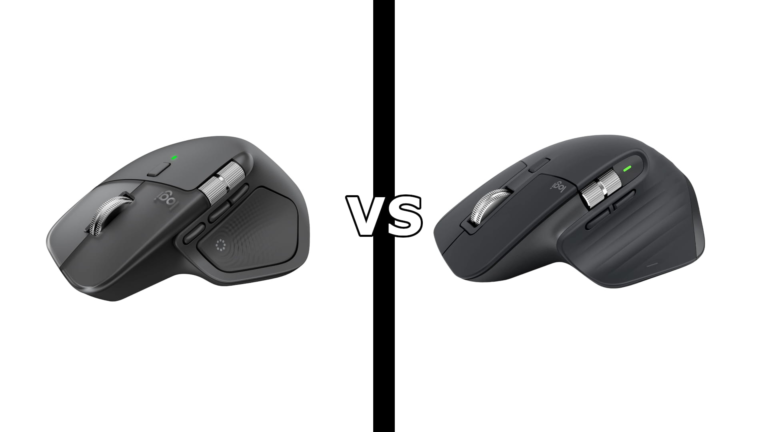
Our Logitech Lift vs MX Vertical comparison covers which size suits which hand.

The recognisable one, which matters for a gift. It also looks like a real piece of equipment on a desk, which a headset does not.
Best for someone in a reasonably quiet room. If their house is loud, a headset mic serves them better, and our Blue Yeti vs Rode NT-USB Mini comparison covers the smaller alternative.

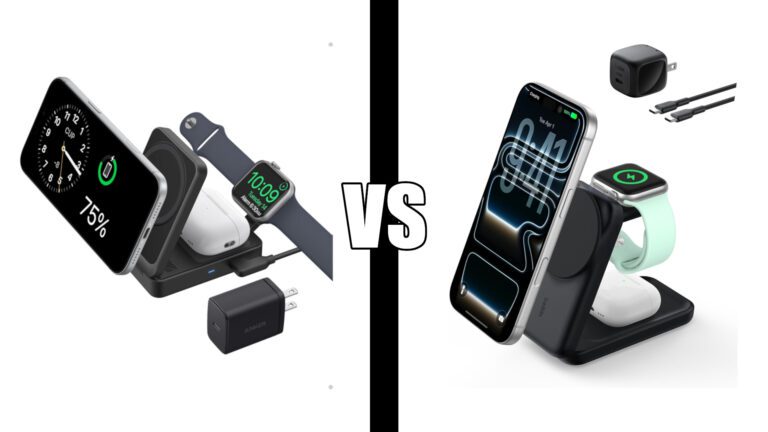
For anyone who plugs in four cables every morning. One connection handles displays, peripherals, network and charging, and the detachable hub means they are not buying a second thing for travel.

The storage design is the reason this one gets used. Walking pads fail when they become furniture, and a 4.1 inch folded profile means it genuinely disappears.
Only buy this for someone with a standing desk or a desk converter. Our walking pad guide covers the pairing.
The splurge
For a partner, a milestone, or a new home office being built from nothing.
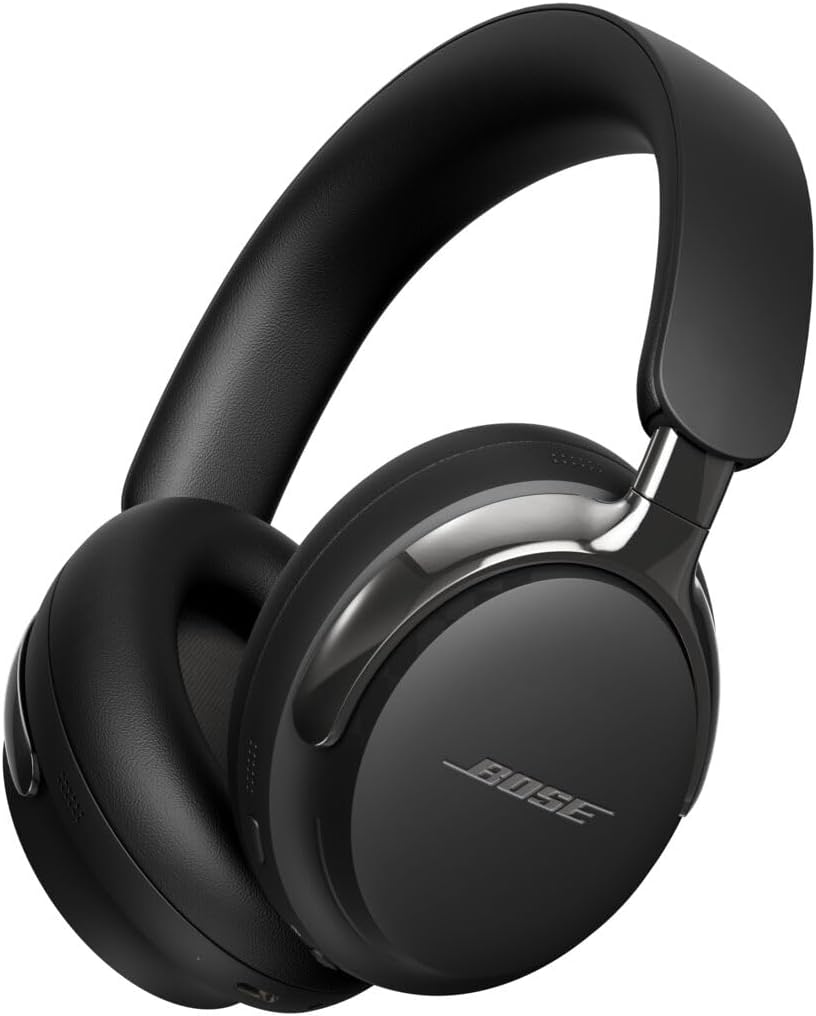
The splurge that gets used every day rather than admired. Anyone sharing a house with family, roommates or a street outside will notice this one immediately.
One honest note before buying. Comfort on these depends on head shape more than the marketing suggests, and some owners with larger heads report pressure after a few hours. Buy somewhere with a return window. Our Bose QuietComfort vs Ultra comparison covers whether the cheaper model is actually the better fit.
For anyone who lives on video calls, a proper work headset with a boom mic is the sort of thing they would never buy themselves and would then use every working day.

The biggest gift on this list by impact. Someone working from home sits in their chair more than they sleep in their bed, and most people are in whatever chair they bought in a hurry.
The Leap suits people who move and recline constantly, with a cushioned seat rather than mesh. The twelve year warranty is the part that makes this a purchase rather than an expense.

Buy this for someone already running two monitors who complains about the gap. The USB-C power delivery is the quiet feature that matters, since it means one cable carries video and charges the laptop.
Our ultrawide vs dual monitors comparison covers whether the switch actually suits how they work.

The serious version of the Anker dock, for someone with a lot plugged in and no patience for things not connecting on wake. Reliability on sleep and wake is where cheaper docks fail and where this one has its reputation.
Our Thunderbolt 4 vs 5 guide explains why this is usually the better buy than the newer model.
What to buy for who
| Who you’re buying for | Start here |
|---|---|
| A coworker or secret santa | Time Timer, pothos, desk organizer |
| Someone who just went remote | Laptop stand, desk mat, webcam |
| A partner who works from home | BenQ ScreenBar, MX Keys S, seat cushion |
| Someone who complains about their back | Seat cushion, footrest, Steelcase Leap |
| Someone who sits too much | Cubii JR1, WalkingPad Z1 |
| The person who already has everything | ScreenBar, Time Timer, Govee floor lamp |
| Someone on calls all day | Bose QuietComfort Ultra, Blue Yeti, webcam |
| A gamer who also works from home | Deco Gear ultrawide, Govee floor lamp |
The last row of that table is the one people get wrong. Someone who already has a good setup does not need another peripheral. They need the category they never considered, which is almost always lighting.
Buying for a whole remote team
Different problem. You need something that works for everyone, does not require knowing anyone’s setup, and does not look cheap at volume.
Three that work:
The Time Timer. No compatibility questions, useful to everyone, and distinctive enough that it does not read as a generic corporate gift.
The desk mat. One size covers almost every desk, and it is the item most likely to still be in use a year later.
The seat cushion. Works on any chair anyone already owns, which is the main constraint when you do not know what people are sitting on.
Avoid anything that needs to match existing hardware. Docks, monitors and keyboards all depend on what the person already has, and a gift that needs a compatibility check is a gift that gets returned.
Frequently asked questions
What is the best gift for someone who works from home?
A monitor light bar, for most people. It gets used every working day, it visibly improves the desk, and almost nobody buys one for themselves. That combination is what makes a good gift rather than a good product.
What do you get someone who already has a good home office setup?
Lighting. People who invest in their setup buy the monitor, the chair and the keyboard, then work in a badly lit room for years without connecting the two. A ScreenBar or a corner lamp is the category they skipped.
What are good inexpensive work from home gifts?
The Time Timer, a desk mat, a pothos and a rotating desk organizer all land well without being expensive. The test is whether it gets used daily, and all four do.
What should I get my remote employees?
Something that works regardless of their setup. Timers, desk mats and seat cushions need no compatibility check. Avoid docks, monitors and keyboards, which depend on hardware you cannot see.
Is a chair too personal a gift?
For a partner or close family, no, and it is probably the highest impact gift on this list. For anyone else, yes. Chair fit is individual, and a chair is also hard to return.
What is a good gift for someone with back or wrist pain?
A seat cushion for tailbone pressure, a footrest if their feet do not sit flat, or a vertical mouse for wrist strain. All three are cheaper than the chair or desk upgrades people assume they need. Our ergonomic home office guide covers the free fixes first.
Continue reading
Prices change often. Check current pricing at checkout. Last updated October 2026.