Logitech MX Keys vs MX Keys S — Which Should You Buy?
Category: Tech & Gear | Reading time: 5 min | Last updated: July 2026
Disclosure: This post contains affiliate links. If you buy through our links we may earn a small commission at no extra cost to you.
Quick picks

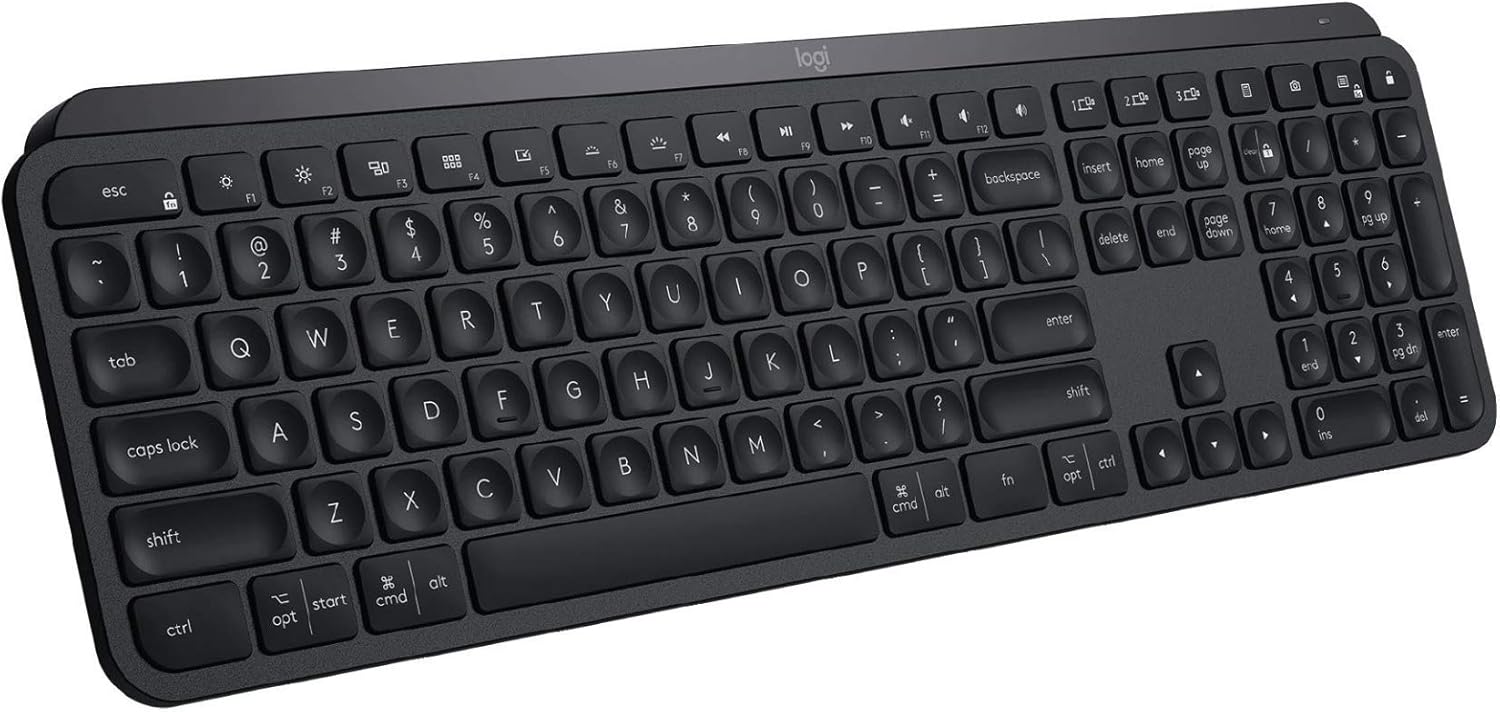
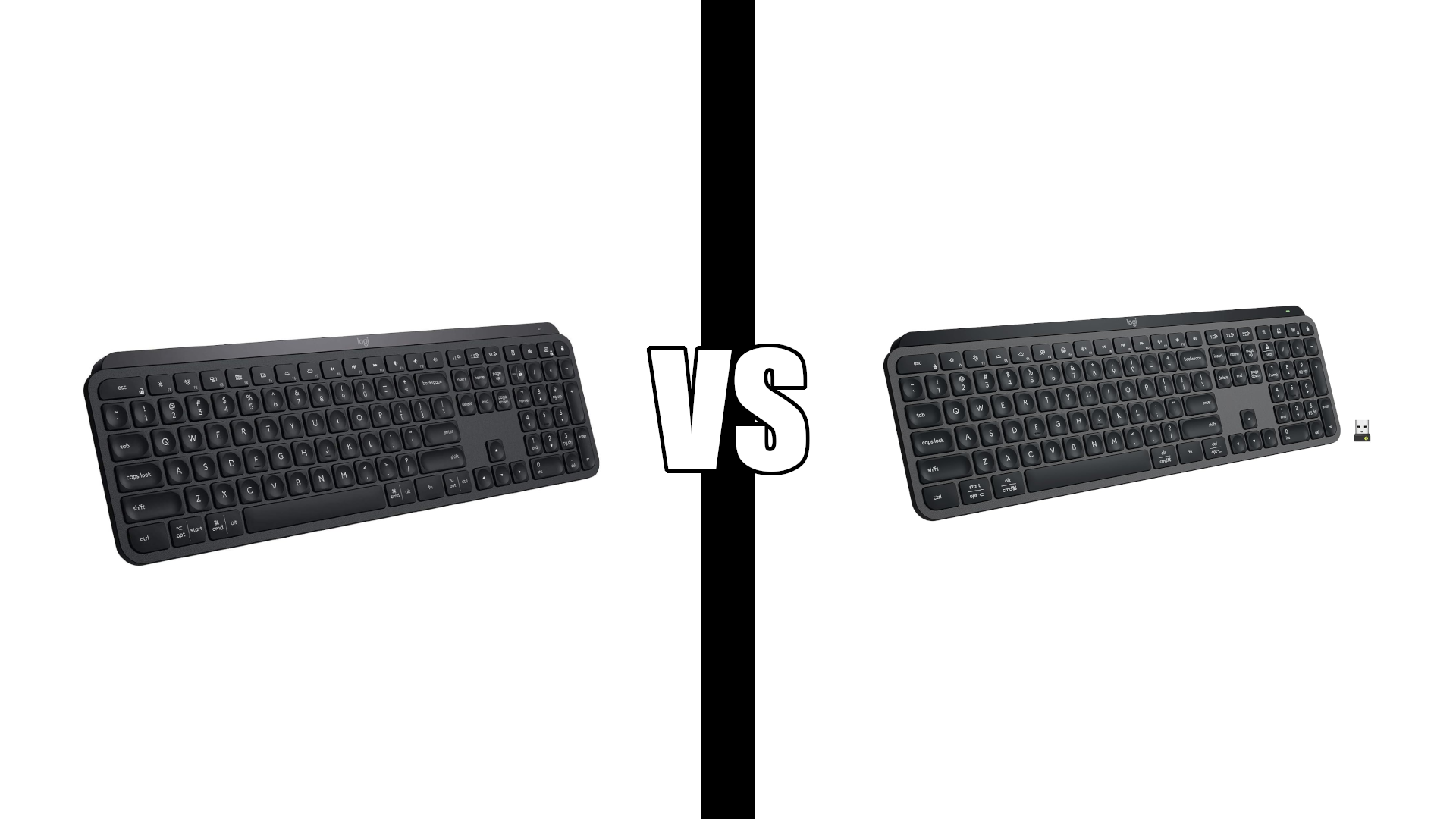
The short answer: Logitech MX Keys vs MX Keys S. Buy the MX Keys S. It’s $10 more than the original, charges via USB-C instead of micro USB, adds programmable Smart Actions keys, and is the version Logitech is actively selling and supporting. The original MX Keys is still a good keyboard but the S is the current generation and the better long-term buy at a negligible price difference.
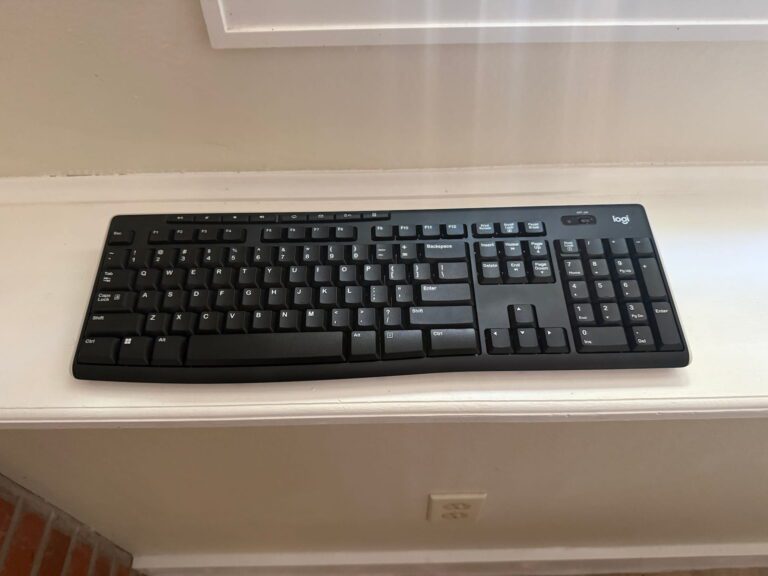
If budget is the primary concern rather than premium features our Logitech K270 review covers the most popular wireless keyboard under $24.
Side by side
| Feature | MX Keys | MX Keys S |
|---|---|---|
| Price | $119.00 | $129.99 |
| Charging | Micro USB | USB-C |
| Programmable keys | No | Yes (Smart Actions) |
| Backlighting | Standard | Enhanced + more customization |
| Typing sound | Standard | Quieter |
| Recycled plastic | No | 26% (Graphite) |
| Reviews | 991 | 3,650 |
| Monthly sales | 100+ | 6,000+ |
| Colors | Black | Graphite, Pale Grey, Rose |
| Connectivity | Bluetooth + Unifying USB | Bluetooth + Logi Bolt USB |
| Devices | Up to 3 | Up to 3 |
| Battery | Up to 10 days (backlit) | Up to 10 days (backlit) / 5 months (no backlight) |
Logitech MX Keys
The original MX Keys is what made Logitech’s premium keyboard lineup worth talking about. The Perfect Stroke keys are spherically dished to match the shape of your fingertips — it’s a small design detail that makes a noticeable difference in typing comfort over a long workday. The proximity sensor backlight that activates when your hands approach is still one of the best implementations of keyboard backlighting available.
The main reasons to choose the original over the S are price and availability. At $119 it’s $10 cheaper, and if you find it on sale the gap widens further. For someone who doesn’t need programmable Smart Actions and doesn’t care about USB-C charging, the original MX Keys is still an excellent daily driver.
Who it’s for: Anyone who finds the original at a meaningful discount or specifically prefers the Unifying receiver over Logi Bolt.
Pros:
- 4.6 stars — higher rated than the S
- $10 cheaper
- Perfect Stroke keys — excellent typing feel
- Proximity sensor backlighting
- Pairs up to 3 devices
Cons:
- Micro USB charging — outdated standard
- No programmable Smart Actions
- Less backlighting customization
- Only 100+ bought last month vs 6,000+ for the S — Logitech is clearly pushing the S as current gen
Pairing your keyboard with a mouse? Our MX Master 4 vs MX Master 3S comparison covers Logitech’s flagship options.
Logitech MX Keys S
The S in MX Keys S stands for what it should — the successor. Every meaningful upgrade from the original is here: USB-C charging replaces micro USB, Smart Actions let you program keys to trigger multi-step shortcuts through Logi Options+, backlighting is more customizable, and the typing experience is slightly quieter. For $10 more than the original these are real improvements not just marketing.
The 6,000+ units bought last month versus 100+ for the original is the clearest signal that this is the version Logitech is actively pushing. Longer-term software support, firmware updates, and accessory compatibility will all favor the S as the current generation product.
Battery life gets a significant upgrade when you turn the backlight off — up to 5 months versus the 10 days you get with backlighting on. For anyone who doesn’t need the backlight during the day that’s a meaningful practical advantage.
Who it’s for: Anyone buying a premium wireless keyboard for the first time and anyone upgrading from an older keyboard. The S is the right default choice at this price point.
Pros:
- USB-C charging — current standard
- Smart Actions programmable keys
- Quieter typing than original
- More backlighting customization
- 5 months battery (backlight off)
- 3,650 reviews — more validated than original
- 6,000+ bought last month
- 3 color options including Rose and Pale Grey
Cons:
- $10 more than original
- 4.4 stars vs 4.6 for original
- Logi Bolt replaces Unifying receiver — not backward compatible with older Logitech devices
Which should you buy
Buy the MX Keys S if you’re buying new — USB-C charging alone justifies the $10 premium since micro USB cables are increasingly hard to find and the port is more fragile long-term. Add programmable keys and quieter typing and it’s not a close decision.
Buy the original MX Keys only if you find it significantly discounted — $20+ cheaper would make it worth considering. At the regular $10 price difference the S wins.
If you’re also looking for a mouse to pair with either keyboard, the Logitech MX Master 3S works with both via Logi Options+ for seamless multi-device control. See our best wireless keyboards and mice guide for the full wireless keyboard and mouse lineup.
If typing comfort is a priority beyond just wireless convenience our best ergonomic keyboard guide covers split and wave designs specifically built for long typing sessions.
Continue reading
Frequently asked questions
Is the MX Keys S worth the upgrade from MX Keys?
If you already own the original MX Keys and it’s working well, probably not — the improvements are real but not dramatic enough to justify replacing a functioning keyboard. If you’re buying new, always get the S.
Does the MX Keys S work with Mac?
Yes — both keyboards are fully compatible with macOS, Windows, Linux, Chrome OS, and iOS. The Logi Options+ app that enables Smart Actions and backlighting customization is available for both Mac and Windows.
What’s the difference between Unifying receiver and Logi Bolt?
Both are USB dongles that connect Logitech wireless devices. Logi Bolt is the newer standard with improved security and more stable connections. The key difference is they’re not cross-compatible — Logi Bolt devices need a Logi Bolt receiver and Unifying devices need a Unifying receiver. If you already have Logitech devices using the Unifying receiver, the MX Keys S requires adding a second dongle.
Can I pair both keyboards with multiple devices?
Yes — both keyboards pair with up to 3 devices and switch between them with a button press. The MX Keys uses Bluetooth Low Energy or the Unifying USB receiver. The MX Keys S uses Bluetooth Low Energy or the Logi Bolt USB receiver.
All prices approximate and subject to change. Check current pricing at checkout. Last updated July 2026.