How to Work From Home: The Complete Guide
Category: How-To Guides | Reading time: 9 min | Last updated: June 2026
Disclosure: This post contains affiliate links. If you buy through our links we may earn a small commission at no extra cost to you.
Working from home sounds simple until you’re actually doing it. The flexibility is real, but so are the challenges — blurry boundaries between work and personal life, distractions you can’t control, and a home environment that was never designed for eight hours of focused work. Getting it right takes more than a laptop on the kitchen table.
This guide covers everything work from home, the setup, structure, and sustaining a productive home office — from the physical space and equipment to the routines and habits that actually make remote work work.
For a complete ergonomic setup guide our ergonomic home office guide covers every positioning element from chair to lighting in one place.
Jump to a section
1. Set up a dedicated workspace
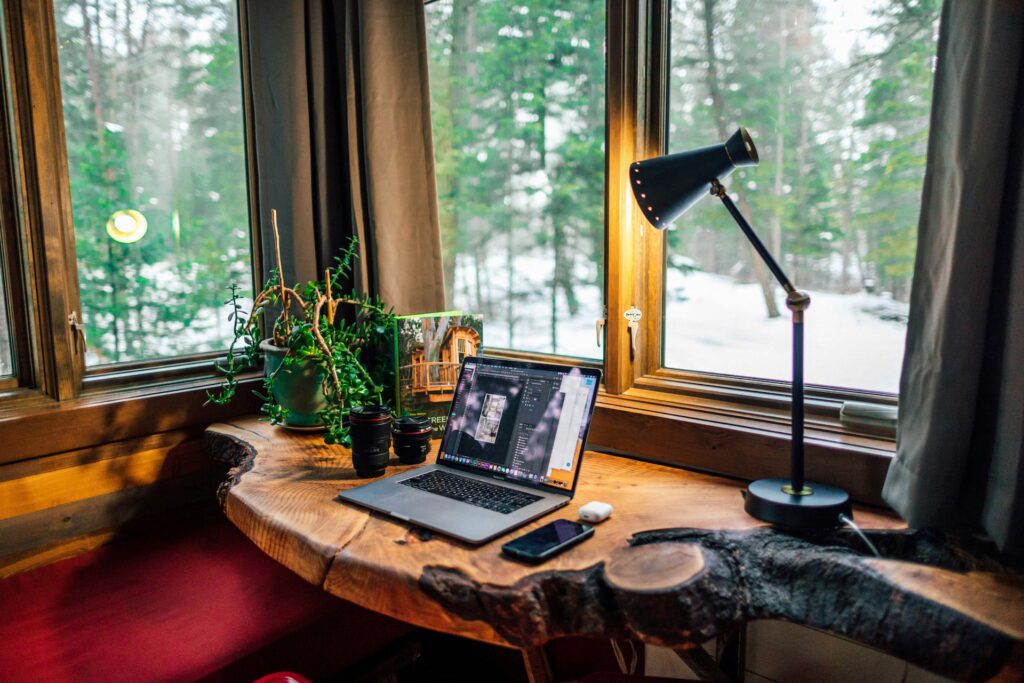
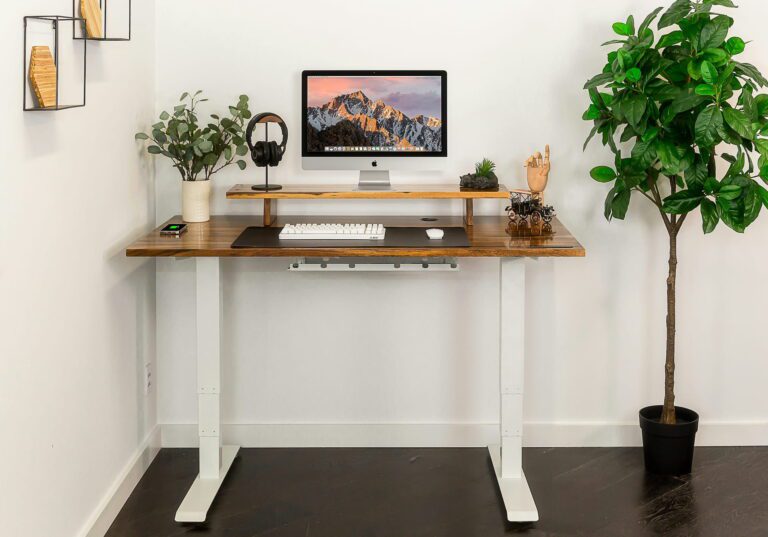
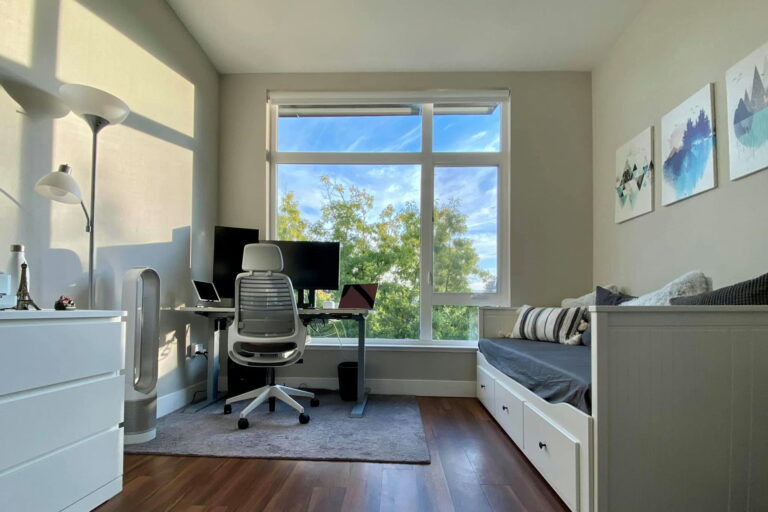
The single most impactful thing you can do when working from home is designate a specific spot for work and use it consistently. It doesn’t need to be a separate room. A corner of a bedroom, a specific chair at the dining table, or a small desk in a shared space all work — what matters is consistency. When you sit in that spot, your brain learns it means work. When you leave it, work is done.
A dedicated desk is worth prioritizing over everything else in your home office setup. It gives you a stable surface, keeps your equipment in one place, and creates the physical anchor that makes the mental transition into work mode easier. A proper desk with storage also reduces the visual clutter that makes a shared living space feel incompatible with focused work.
See our best home office desks guide for options from $34 compact desks for small spaces to full executive setups with built-in storage.
A standing desk doesn’t have to be expensive — our best budget standing desks guide covers six options from $74.98 to $189.87.
Lighting affects focus and eye strain more than most people realize — our home office lighting guide covers nine picks across every category.
What makes a workspace actually work:
A few small things make a big difference. Keep the desk surface clear of anything unrelated to work. Add a desk mat to define your active workspace visually. If noise is a problem, face away from the main room activity. If lighting is inconsistent, a monitor light bar eliminates the glare that causes eye strain over a long day.
2. Get the right equipment
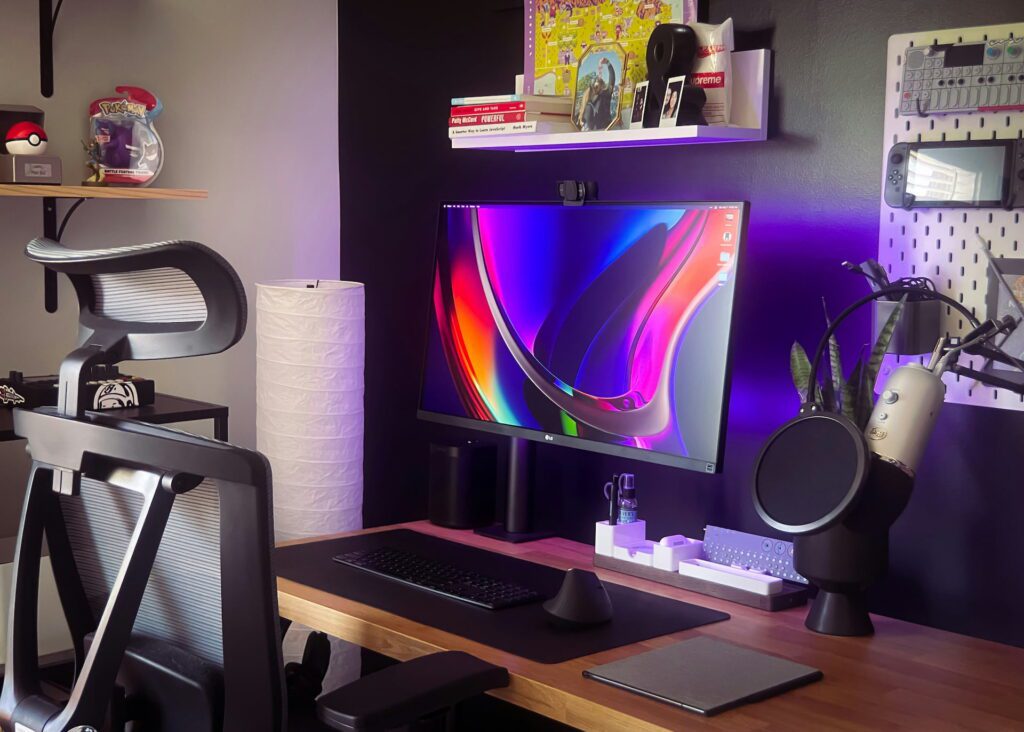
The equipment you use directly affects how comfortable and productive your workday is. Most remote workers underinvest here and then wonder why they feel drained by 3pm.
Monitor setup
A laptop screen sitting flat on a desk puts your neck at the wrong angle for hours at a time. An external monitor at eye level, or a laptop stand that raises your screen, makes a noticeable difference in how you feel at the end of the day. If you’re on a budget, a 24″ monitor in the $75-100 range does everything most remote workers need.
See our best budget monitors guide and best laptop stands guide for specific recommendations.
Getting your monitor to eye level makes a real difference — our best monitor arm guide covers options from $19.99.
Audio
If you work in a noisy environment, noise cancelling headphones are one of the most impactful purchases you can make. The difference between trying to focus through household noise and being able to block it out completely is significant. For video calls, a headset with a good microphone matters more than people realize — bad audio on calls affects how you come across professionally.
See our best noise cancelling headphones guide for options at every price point.
Webcam
Your laptop’s built-in camera is usually poor quality and positioned at an unflattering angle. An external webcam at eye level on top of your monitor improves both image quality and the impression you make on video calls.
See our best webcams for remote work guide for options from budget to premium.
Connectivity
Modern laptops often have limited ports. A USB hub turns one USB-C port into HDMI, Ethernet, charging, and multiple USB connections — eliminating the adapter chaos that comes with connecting a monitor, keyboard, mouse, and other peripherals to a minimal-port laptop.
See our best USB hubs guide for options from $9.99 to full docking stations.
An ergonomic mouse is one of the most impactful peripheral upgrades for daily comfort — our ergonomic mouse guide covers seven options at every budget.
Keyboard
For keyboard specifically our best ergonomic keyboard guide covers seven options from a $14 wrist rest to full split designs that eliminate wrist strain entirely.
3. Build a consistent routine
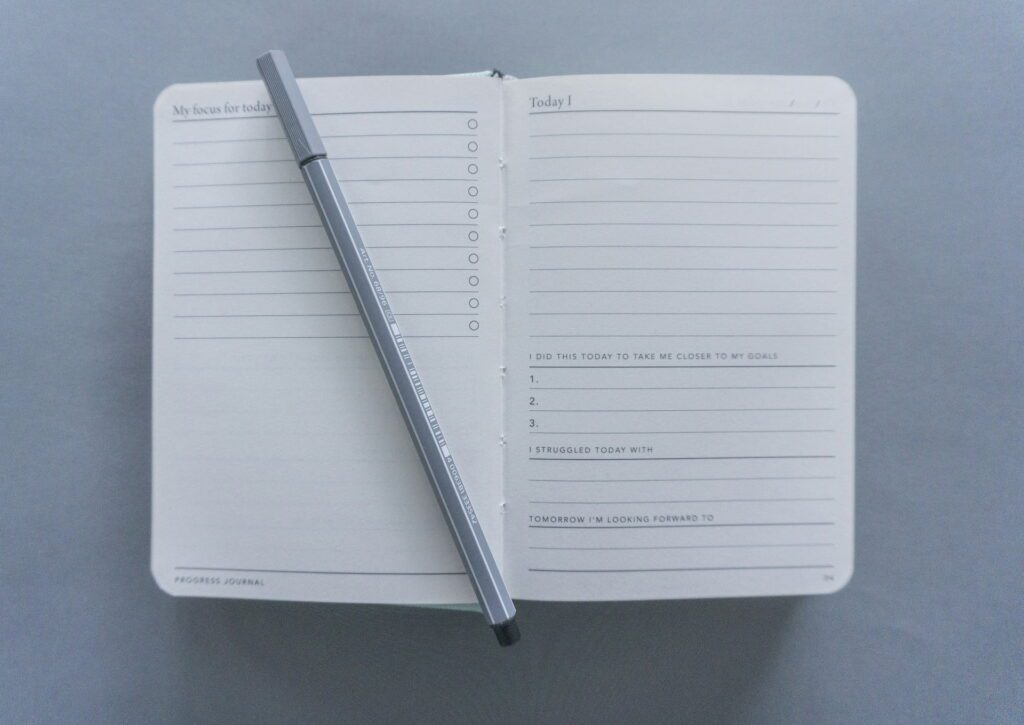
Remote work without structure tends to drift. Work bleeds into evenings, mornings start late, and the flexibility that made working from home appealing starts feeling like shapelessness instead.
A consistent start time is more important than the specific time you choose. Starting at 8am every day trains your body and brain into work mode the same way an office commute used to. The commute wasn’t valuable in itself — the transition ritual was.
Build a simple morning sequence that marks the start of work: make coffee, sit at your desk, check your task list. It doesn’t need to be elaborate. What it needs to be is consistent. The same goes for ending the day — a defined stop time, closing your laptop, and physically leaving your workspace signals that work is done.
Time blocking helps more than to-do lists alone
A to-do list tells you what to do. A time-blocked calendar tells you when you’ll do it. Blocking specific hours for focused work, meetings, email, and breaks makes it much harder for the day to disappear into reactive tasks. Most remote workers who struggle with productivity are reacting to whatever comes in rather than working from a plan.
4. Manage distractions
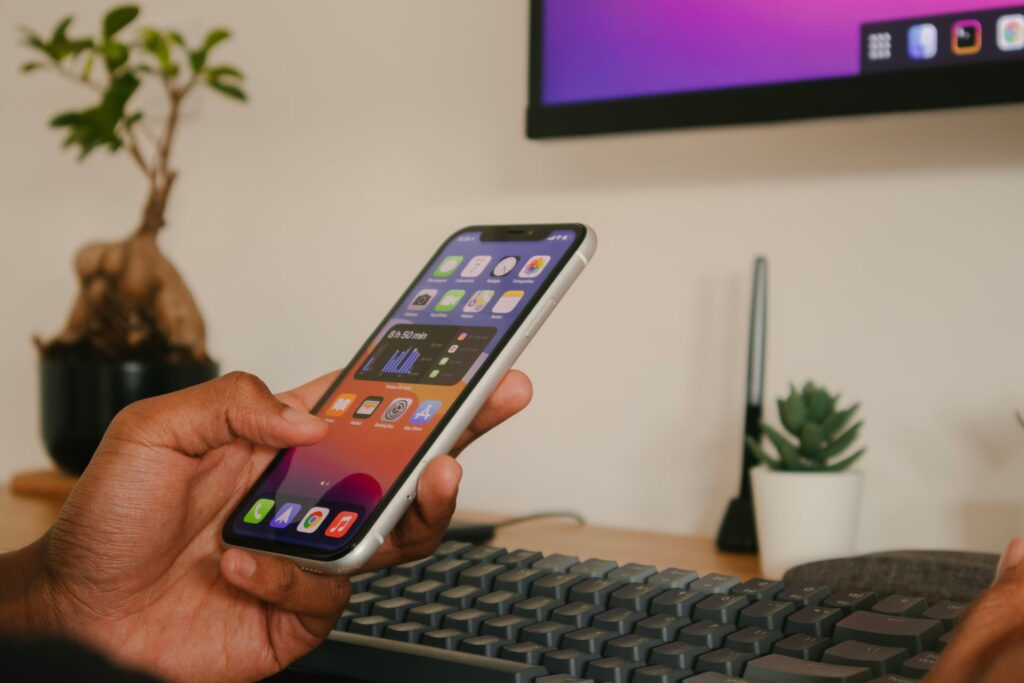
Home distractions fall into two categories: environmental (noise, other people, household tasks calling for attention) and digital (notifications, social media, the infinite availability of entertainment). They need different solutions.
Environmental distractions
Noise cancelling headphones handle most audio distractions. A closed door, even if it’s not a dedicated office, signals to others in your home that you’re working. If you have children at home, clear work hours with whoever shares your space and use visual signals (headphones on, door closed) to communicate availability.
Visual distractions are trickier. If your desk faces a messy room, your peripheral vision constantly pulls your attention. Facing a wall, adding a room divider, or simply keeping your immediate workspace clean reduces this more than you’d expect.
Digital distractions
Phone notifications are the most consistent focus killer for most remote workers. Putting your phone face-down or in another room during focused work blocks are simple but effective. Website blockers (Freedom, Cold Turkey) remove the low-friction access to distraction sites that makes it easy to drift mid-task.
The deeper fix is working in focused blocks with defined break times. When you know a break is coming in 45 minutes, the urge to check your phone or browse is easier to defer than when you’re trying to white-knuckle through an unlimited stretch.
See our full guide to staying focused working from home for a detailed breakdown of strategies that actually work.
5. Stay connected with your team

Isolation is one of the most common challenges remote workers report after the initial novelty wears off. When you’re not in an office, the casual conversations and ambient awareness of what colleagues are working on disappear — and with them, a significant amount of the social fabric that makes work feel connected to something larger.
Over-communicate with intention. In an office, presence is visible. Remote, you need to make your work visible through regular updates, check-ins, and clear communication about what you’re working on and when you’re available. This isn’t performative — it’s the remote equivalent of being a reliable, visible team member.
Video calls are worth using more than you might default to. Text-based communication loses tone and context that video preserves. For complex discussions or anything emotionally loaded, defaulting to video rather than messaging reduces misunderstandings.
A proper video call setup matters here. Eye-level webcam, good lighting, minimal background noise — these aren’t vanity, they’re professional communication quality. See our video call setup guide for the specific changes that make the biggest difference.
6. Take care of your physical health
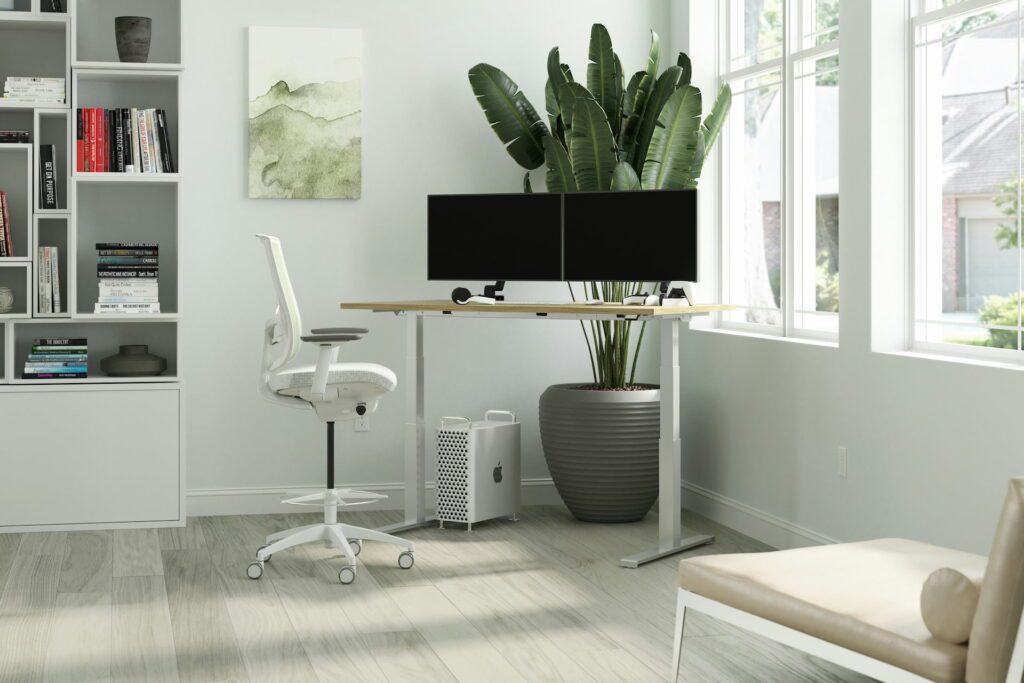
Remote workers sit more than office workers. Without the incidental movement of commuting, walking between meetings, and moving around an office, a work from home day can involve almost no physical activity. This compounds over months and years in ways that affect both health and energy levels during the workday.
Ergonomics first
Your chair, desk height, and monitor position determine how your body feels over an eight-hour day. The basics: monitor at eye level, keyboard at elbow height, feet flat on the floor, lower back supported. Getting these right costs less than most people assume and makes a larger difference than most people expect.
If your chair isn’t supportive, a seat cushion or lumbar support pillow is a cheap fix that works better than tolerating discomfort. See our best seat cushions guide for options from $22.
Your chair is the most important ergonomic investment you can make — our most comfortable office chair guide covers five options from $389 to $1,940.
Our home office decor guide covers easy aesthetic upgrades at every budget.
Movement breaks
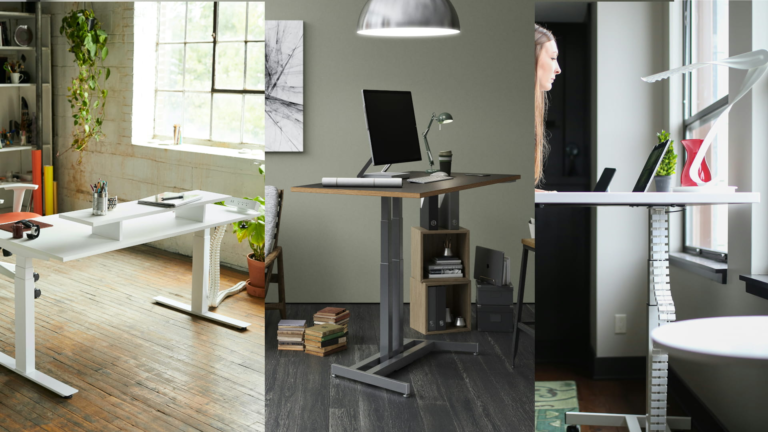
A standing desk makes it easy to alternate between sitting and standing throughout the day without disrupting your work. Even brief position changes reduce the fatigue and discomfort that accumulates from sitting in one position for hours. See our best standing desks guide for options at every budget.
Short movement breaks every 60-90 minutes — a walk around the block, a few minutes away from the screen — reset focus and reduce the afternoon energy dip that most remote workers experience.
A footrest is one of the cheapest ergonomic upgrades you can make — our office foot rest guide covers six picks from $19.99.
An under desk treadmill is one of the best productivity investments for home office workers — our WalkingPad vs GoPlus comparison covers two of the most popular options.
Natural light and eye health
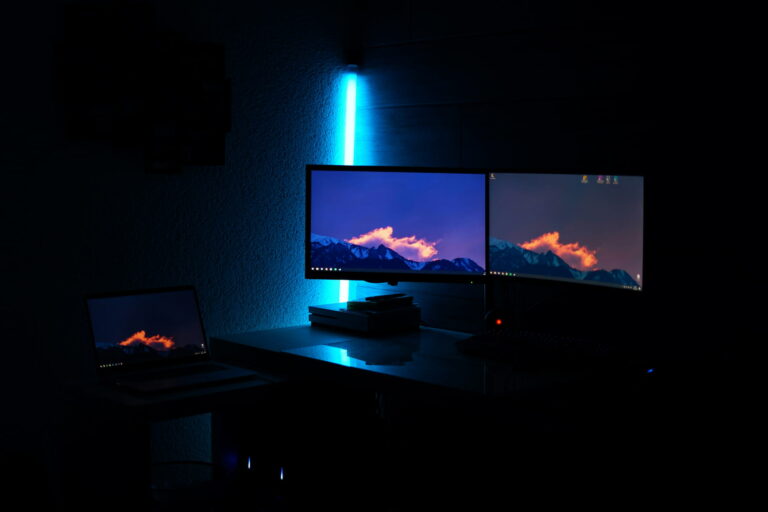
Position your desk to get natural light if possible, but avoid sitting with a window directly behind your monitor (screen glare) or behind you (camera backlighting on calls). A monitor light bar illuminates your desk surface without screen glare and makes a significant difference during evening or low-light work sessions.
7. Set boundaries between work and home
Working from home makes it easy to always be working. Your laptop is right there. Just one more email. Just finish this one thing. Without physical separation between office and home, the psychological separation has to be deliberately created.
A defined end time is the most important boundary. When work ends, close the laptop and leave your workspace. If your desk is in a shared living area, physically clearing it of work items at the end of the day creates the separation that a door would otherwise provide.
Communicate your hours clearly to your team. Remote work flexibility is real, but it works better when it’s intentional — “I work 8-5 with occasional flexibility” is healthier than being nominally available at all times and burning out slowly.
The end-of-day reset habit applies here too: 2-3 minutes returning your desk to its baseline state at the end of each workday means you start tomorrow with a clean slate rather than inheriting yesterday’s chaos. It’s a small ritual that genuinely helps close the mental loop on the workday.
Quick setup checklist for new remote workers
Workspace:
- ☐ Dedicated desk or consistent spot
- ☐ Chair with proper lumbar support
- ☐ Monitor at eye level (external monitor or laptop stand)
- ☐ Good lighting — natural light or monitor light bar
- ☐ Clean, organized surface
Equipment:
- ☐ External monitor or laptop stand
- ☐ Wireless keyboard and mouse
- For keyboard specifically our MX Keys vs MX Keys S comparison covers Logitech’s two best wireless options and which one to buy.
- ☐ Noise cancelling headphones
- ☐ External webcam
- ☐ USB hub for connectivity
Habits:
- ☐ Consistent start and end time
- ☐ Morning routine that signals work start
- ☐ Time-blocked calendar
- ☐ Phone out of reach during focused work
- ☐ End-of-day workspace reset
Continue reading
Frequently asked questions
How do I stay productive working from home?
Consistency beats motivation. Set a start time and stick to it, work from the same spot every day, and plan your day the night before so you’re not deciding what to work on when you sit down. Motivation fluctuates — routine doesn’t.
How do I separate work and personal life when working from home?
A defined stop time and a physical end-of-day ritual (closing the laptop, clearing the desk, leaving the workspace) are the most effective tools. Making your hours visible to your team also reduces the pressure to be always-on.
What equipment do I actually need to work from home?
At minimum: a reliable laptop or desktop, a stable internet connection, and a comfortable chair and desk. From there, the highest-impact upgrades are an external monitor, noise cancelling headphones, and a proper webcam for calls. Everything else is optional improvement.
How do I deal with distractions when working from home?
Phone in another room during focused blocks, noise cancelling headphones for audio distractions, and a clean desk to reduce visual distraction. For deeper focus issues, time-blocking your calendar and using a website blocker during focused work sessions addresses the root cause more effectively than willpower alone.
Is working from home good for your health?
It can be, but it requires more intentional effort than office work. The risks are more sitting, less incidental movement, and social isolation. Standing desks, regular movement breaks, and deliberate social connection with colleagues offset these. Done well, remote work eliminates commute stress and gives you more control over your environment — both of which have real health benefits.
Last updated June 2026.